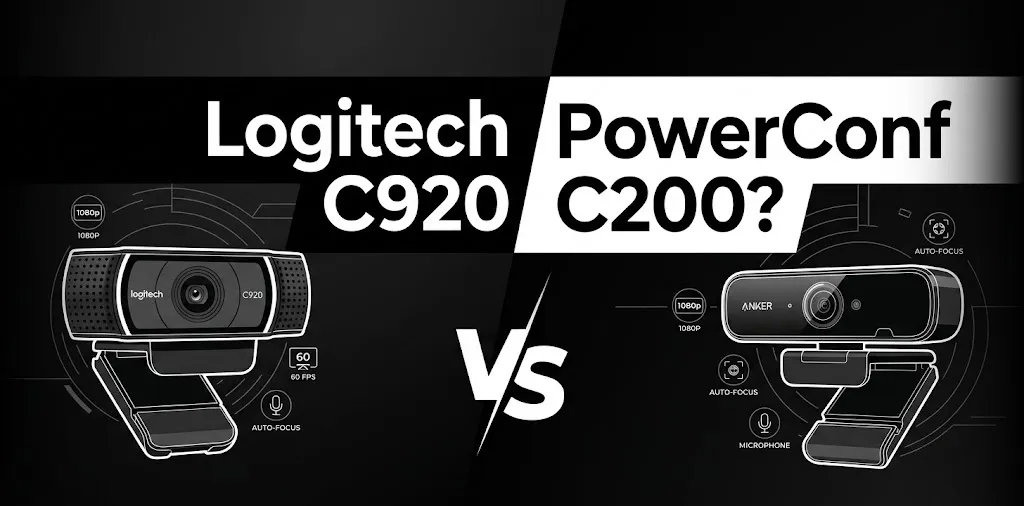
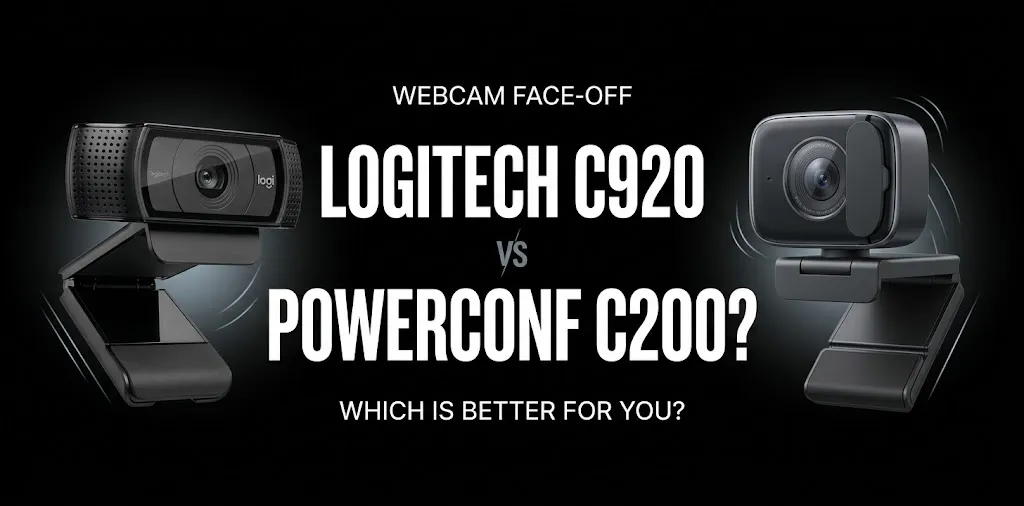
Logitech C920 or PowerConf C200? For Zoom calls?

If you need a webcam for Zoom meetings, the Logitech C920 is a strong choice for reliable video calls, while the Anker PowerConf C200 is worth considering for its sharper 2K resolution and adjustable field of view. The C920 suits everyday meetings, online classes, and remote work. The C200 may be a better fit if you want more detail or need to adjust how much of your room appears on camera.
The right choice depends on your lighting, desk setup, microphone needs, and how professional you want your video to look.
Logitech C920 vs. PowerConf C200: Key Differences
The biggest difference is resolution and framing flexibility. The Logitech C920 records at Full HD 1080p, while the Anker PowerConf C200 supports up to 2K resolution. Anker also lets you choose between three viewing angles, making it easier to frame a close-up or show more of your workspace.
| Feature | Logitech C920 | Anker PowerConf C200 |
|---|---|---|
| Maximum resolution | 1080p at 30 fps | 2K at 30 fps |
| Autofocus | Yes | Yes |
| Field of view | Fixed 78° | Adjustable 65°, 78°, or 95° |
| Built-in microphones | Dual stereo microphones | Dual microphones with noise reduction |
| Low-light features | RightLight 2 | Adaptive light sensor |
| Privacy cover | Depends on C920 version | Built-in sliding cover |
| Connection | USB-A | USB-C camera connection with included USB-A cable |
| Tripod mounting | Supported | Supported |
| Best for | Straightforward daily meetings | Flexible framing and higher-resolution capture |
| Available |  | |
Specifications refer to the standard C920 and PowerConf C200. Features may vary by model version and software.
Video Quality: Is 2K Better Than 1080p for Zoom?
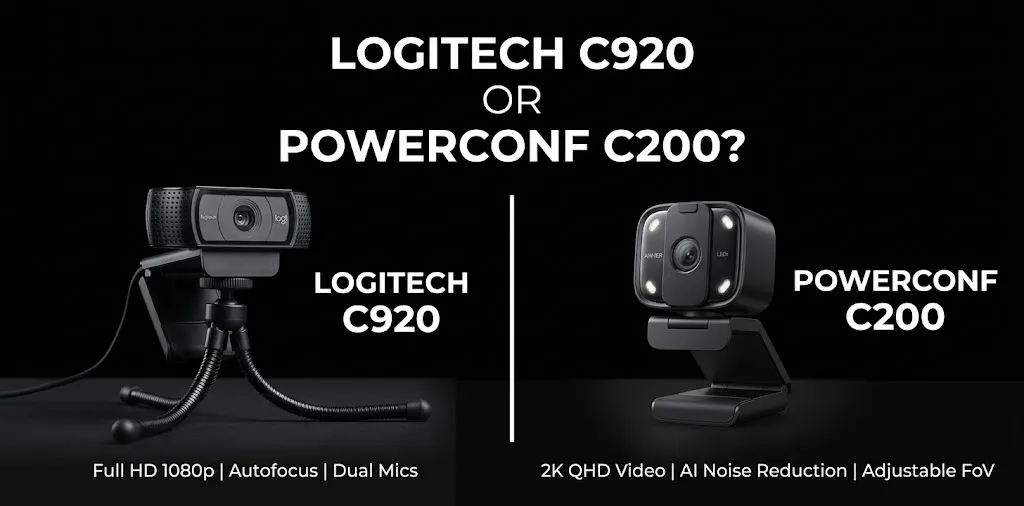
The PowerConf C200 has the advantage on paper because its 2K resolution can capture more fine detail than the C920’s 1080p maximum. However, that does not automatically mean your coworkers will see a much sharper image during a Zoom call.
The video quality they receive also depends on Zoom’s settings, your account and meeting conditions, your internet connection, and the resolution being transmitted. Conferencing software may limit the resolution displayed even when the camera supports a higher resolution.
When the Logitech C920 looks good enough
The C920 is a sensible option if your Zoom calls mainly involve talking to coworkers, attending classes, or meeting with clients. Its 1080p video, autofocus, and automatic light correction cover the needs of most everyday webcam users.
For example, imagine you work from a home office and spend several hours each day in meetings. Your face stays in roughly the same position, your background is tidy, and you have a desk lamp in front of you. The C920 can provide clear video without requiring you to adjust many settings.
When the PowerConf C200 has the edge
The C200 is worth considering if you want more image detail or often switch between different types of calls. Its higher capture resolution can also be useful for recording video when your recording software supports it.
A published comparison by Tom’s Guide found that the C200 captured more fine detail and slightly more appealing colors than the Logitech C920s in daytime lighting. The C200 also performed well in dim conditions during the review, although results depend on the room and camera settings.
For example, if you regularly present products, demonstrate physical objects, or record tutorials between meetings, the C200 gives you more flexibility than a basic 1080p webcam.
Field of View: Which Webcam Frames You Better?
The viewing angle matters more than many buyers expect. It determines how much of your face, shoulders, and surroundings appear in the video.
The Logitech C920 has a fixed 78-degree viewing angle. This works well if you sit in one place and want a consistent view without changing software settings.
The PowerConf C200 offers three viewing angles:
- 65°: A tighter view of your face and upper body.
- 78°: A balanced view of yourself and some background.
- 95°: A wider view for showing more of your desk or including another person.
The C200’s adjustable angle is useful if you switch between solo meetings, presentations, and demonstrations.
However, a wider angle can reveal more clutter or distractions, so the widest setting is not always the best one for a professional meeting.
Microphone Quality and Background Noise
Both webcams have built-in microphones, so you can start making calls without buying a separate microphone. However, their microphones should be treated as convenient built-in options rather than replacements for a good headset in every environment.
The C920 has two stereo microphones designed to capture voices naturally during video calls. Its audio setup is adequate for many quiet home offices, particularly when you sit close to the camera.
The PowerConf C200 also has dual microphones and offers noise-reduction features. Its software provides additional control over microphone pickup, which can help you adjust the setup to your surroundings.
Here’s how that difference may matter in everyday use:
- Quiet home office: Either webcam may provide acceptable audio for Zoom.
- Busy household: The C200’s noise-reduction features may help, but they cannot guarantee that every background sound will disappear.
- Frequent client meetings: A dedicated USB microphone or headset may give you more consistent results than either built-in microphone.
- Calls from a distance: Move closer to the camera or use a headset rather than relying on a webcam microphone to capture your voice across the room.
If your meetings are important, test your microphone before a call. A clear voice and low background noise often matter more to other participants than the difference between 1080p and 2K video.
Low-Light Performance: Which Webcam Is Better in a Home Office?
Lighting can have a major effect on how professional your video looks. A high-resolution camera cannot fully compensate for a dark room, strong backlighting, or a bright window directly behind you.
The Logitech C920 uses RightLight 2 technology to adjust the image to different lighting conditions. The PowerConf C200 uses an adaptive light sensor and a lens designed to capture more light.
The C200 may be the better option if you often make calls in a room with limited natural light. However, neither webcam can guarantee a clean, noise-free image in very dark conditions.
For better results with either model:
- Place a light in front of you rather than behind your head.
- Avoid sitting directly in front of a bright window.
- Keep your face at a reasonable distance from the camera.
- Test your image before an important meeting.
Practical tip: Before buying a webcam specifically for low-light performance, try improving your lighting. A small desk light positioned in front of you can make a noticeable difference without requiring a more expensive camera.
Setup, Compatibility, and Privacy
Both webcams are designed for computer-based video calls, but there are a few differences worth considering before you buy.
Which webcam is easier to set up?
The Logitech C920 uses a straightforward USB connection and is designed to work with common video-calling applications. The PowerConf C200 also supports USB plug-and-play operation, while its AnkerWork software provides additional controls for framing and other settings.
For basic Zoom meetings, you generally do not need to adjust advanced settings. Connect the camera, open Zoom, and select the correct webcam under Settings → Video.
If the microphone is not working, check the audio input selection in Zoom as well.
Which webcam offers better privacy?
The PowerConf C200 has a built-in sliding privacy cover. When you are not using the camera, you can slide the cover over the lens.
The standard Logitech C920 and its related variants do not all have the same privacy hardware, so check the exact model before buying. Some versions, such as the C920s, include a privacy shutter.
If you regularly attend private work meetings, the C200’s integrated cover is convenient. Remember that covering the lens does not necessarily disable the microphone, so check your audio settings separately when privacy matters.
Will both webcams work with a Mac?
Both product families support common computer video-call workflows, but operating-system and software requirements can vary by model and software version.
Before purchasing, check the compatibility information for your specific computer. If you use a Mac, also confirm that the cable and port arrangement works with your setup. You may need a suitable adapter if your computer does not have a compatible USB-A port.
Price and Value: Which Webcam Is Worth Buying?
The better value depends on the price you find and which features you will actually use.
The Anker PowerConf C200 has been listed at $69.99 on Anker’s US product page, while Logitech C920 prices vary by retailer, model version, and sale. Check current prices before purchasing, as offers can change.
Use these guidelines when comparing offers:
- Choose the C920 if it is noticeably cheaper and you mainly need reliable 1080p video for meetings.
- Choose the C200 if the price difference is small and you value adjustable framing, a built-in privacy cover, and 2K capture.
- Consider a headset or separate microphone if your main complaint is poor audio rather than video quality.
Do not pay extra for 2K simply because the number is larger. If your meetings are transmitted at a lower resolution, you might not notice a major improvement on the receiving end.
Which Webcam Should You Buy for Zoom Calls?
The right webcam depends on how you work and what you expect from your calls.
Best for everyday Zoom meetings: Logitech C920
Choose the C920 for remote work, online classes, interviews, and routine meetings. Its 1080p video, autofocus, and simple USB setup are enough for many users who want a dependable webcam without extra adjustments.
Best for flexible framing: Anker PowerConf C200
Choose the C200 if you want sharper capture, adjustable viewing angles, a built-in privacy cover, and more control over your webcam setup. It is especially appealing for people who use their camera for both meetings and video recording.
For most people buying a new webcam today, I would lean toward the Anker PowerConf C200 if both models cost about the same. Its additional framing options and higher capture resolution give you more flexibility. The Logitech C920 remains a sensible purchase when it is cheaper and your needs are limited to ordinary video calls.
Frequently Asked Questions
Here are answers to the most common questions about the Logitech C920 and Anker PowerConf C200 to help you choose the right webcam for Zoom calls, video quality, microphone performance, and everyday use.
Is the Logitech C920 good enough for professional Zoom meetings?
Yes. Its 1080p video, autofocus, and automatic light correction are suitable for many professional meetings, interviews, and remote-work sessions. Good lighting and clear audio will often make a bigger difference than upgrading to a higher-resolution webcam.
Does the Anker PowerConf C200 look better than the Logitech C920 on Zoom?
It can capture more detail because it supports 2K resolution, and its adjustable viewing angle offers more flexibility. However, Zoom’s video settings and transmission limits can reduce the visible difference, so the C200 will not always look noticeably sharper to other participants.
Do I need a separate microphone with either webcam?
Not necessarily. Both webcams have built-in microphones that can work for everyday calls in a quiet room. If you regularly deal with background noise or need more consistent voice quality for professional meetings, a headset or dedicated microphone is worth considering.
Conclusion
Overall, the Logitech C920 is a reliable choice for everyday Zoom meetings, while the Anker PowerConf C200 is better suited to users who want 2K video, adjustable framing, and a built-in privacy cover. Before buying, compare current prices and consider your lighting, microphone needs, and meeting setup. For the best results, pair your webcam with good front-facing lighting and clear audio.