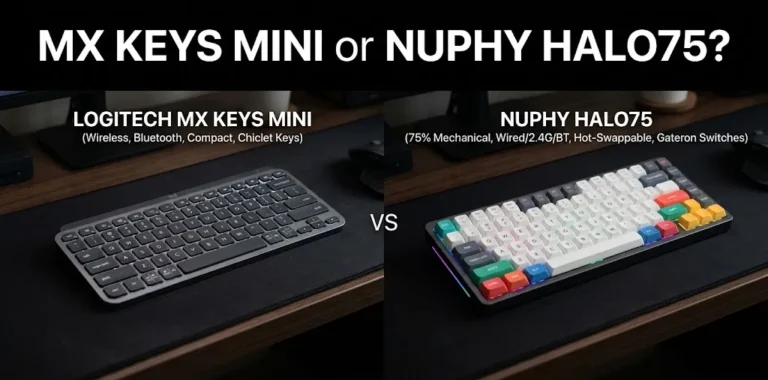
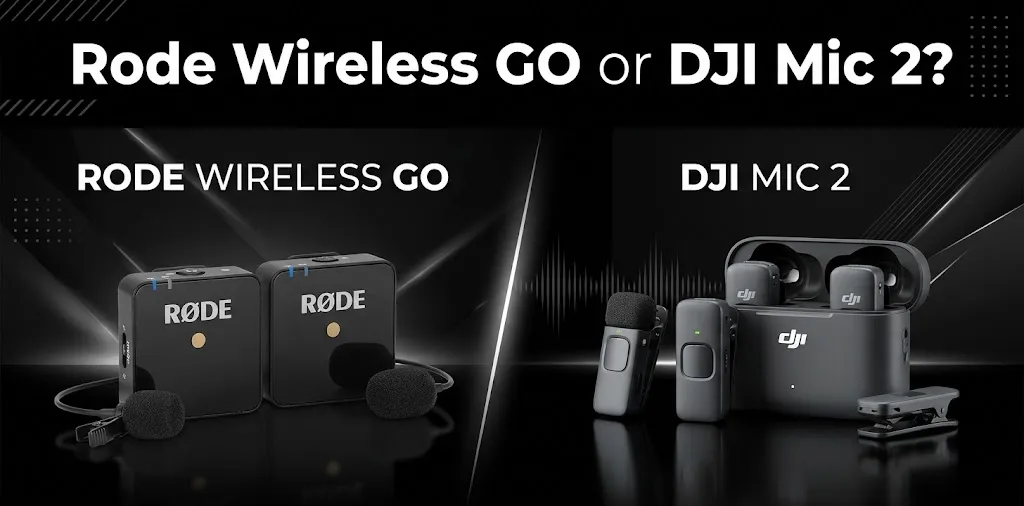
Rode Wireless GO or DJI Mic 2? For YouTube vlogging?

Choosing between the RØDE Wireless GO and DJI Mic 2 depends on how you film, where you record, and how much control you need over your audio. Both are wireless microphone systems designed for creators, but they serve different needs. If you want a simple setup for everyday vlogging, one may be enough. If you need more recording flexibility and backup protection, the other may be worth the extra cost.
Rode Wireless GO vs DJI Mic 2: Main Differences
The biggest difference is how each system helps you capture usable audio when recording conditions are not perfect. The DJI Mic 2 offers intelligent noise cancellation, a touchscreen receiver, and 32-bit float internal recording. The RØDE Wireless GO (Gen 3) also supports 32-bit float internal recording and uses RØDE’s GainAssist technology to help manage audio levels.
| Feature | RØDE Wireless GO (Gen 3) | DJI Mic 2 |
|---|---|---|
| Best suited for | Flexible creator workflows | Vlogging and quick mobile recording |
| Internal recording | Yes, 32-bit float | Yes, 32-bit float |
| Audio level assistance | GainAssist | Automatic gain options and receiver controls |
| Noise reduction | No equivalent built-in intelligent noise-canceling mode | Intelligent noise cancellation |
| Receiver controls | Compact receiver with display | Touchscreen and control dial |
| Maximum stated wireless range | Up to 853 ft (260 m) | Up to 820 ft (250 m) |
| Transmitter storage | Internal recording | 8 GB per transmitter |
| Smartphone support | USB-C and compatible mobile workflows | USB-C, compatible Lightning adapters, and supported Bluetooth connections |
| Available |  | |
Specifications refer to the RØDE Wireless GO (Gen 3) and DJI Mic 2. Wireless range figures are manufacturer-rated line-of-sight maximums, not guaranteed real-world distances.
Which Microphone Sounds Better for YouTube Videos?
Both microphones can produce clear, detailed speech for YouTube videos. However, sound quality depends on microphone placement, room acoustics, background noise, clothing, and recording levels—not just the brand.
The DJI Mic 2 has an advantage when you need to reduce steady background noise with its built-in noise-canceling feature. The RØDE Wireless GO Gen 3 is also a strong option, especially when you want automatic level assistance and the ability to recover audio from an internal recording.
For the best comparison, record both microphones in the same room, at the same distance from your mouth, and at similar loudness. Listen with headphones rather than judging only by the audio meters.
DJI Mic 2 vs RØDE Wireless GO for Different Vlogging Styles
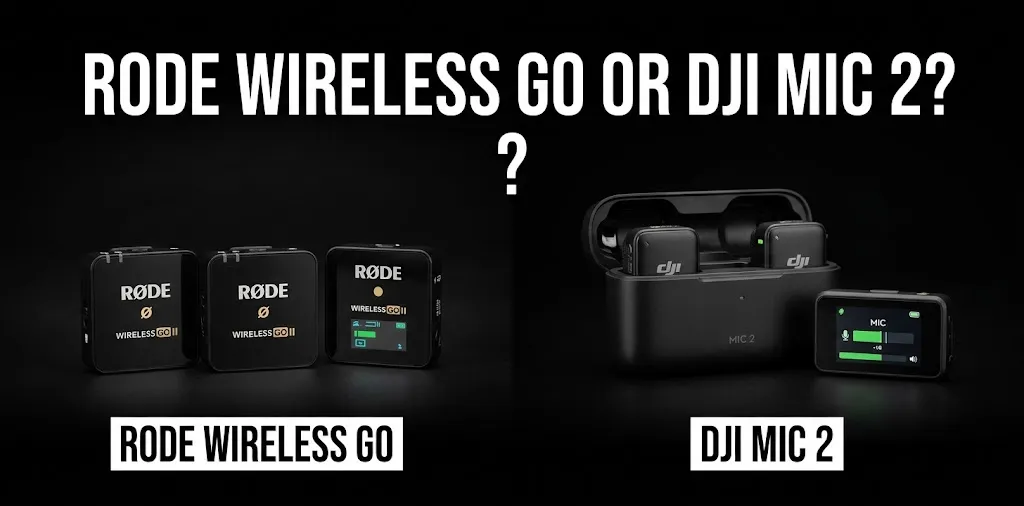
Travel and street vlogging
The DJI Mic 2 is a strong choice for creators who record while walking through busy streets, visiting markets, or talking to the camera in public places. Its intelligent noise cancellation can help reduce background noise, making speech easier to hear.
However, noise cancellation cannot remove every sound. Loud traffic, nearby conversations, and strong wind can still affect your recording. Use the included furry windscreen outdoors and keep the transmitter close to your mouth.
The RØDE Wireless GO Gen 3 can also handle travel videos well. Its GainAssist feature helps manage changes in speaking volume, while its onboard recording provides another way to preserve your audio.
Better fit: DJI Mic 2 if background-noise reduction is your priority; RØDE if you value automatic audio-level management and backup recording.
Indoor talking-head videos
For desk videos, tutorials, product reviews, and personal updates, either system can work very well.
In a quiet room, the difference between the microphones may be less noticeable than the effect of your recording setup. A room with hard walls can create an echo, while a microphone clipped too far from your mouth may capture more room noise.
Consider these practical steps:
- Clip the transmitter near your upper chest.
- Keep it away from necklaces, loose fabric, and rubbing clothing.
- Position yourself away from loud fans and air conditioners.
- Record a short test before filming the entire video.
Better fit: RØDE Wireless GO Gen 3 for creators who prefer GainAssist and flexible recording connections. The DJI Mic 2 is equally worth considering if you want its touchscreen receiver and noise-canceling option.
Interviews and two-person videos
Both systems can record two people when you purchase a kit with two transmitters and a compatible receiver. Each person wears a transmitter, allowing you to capture both voices without passing one microphone around.
For interviews, check that the receiver is configured to capture the channels in the way your editing workflow requires. Separate channels can make it easier to adjust each person’s voice independently, depending on the recording mode and software.
Better fit: Either system. Choose based on the recording controls you prefer and the accessories included in the kit you buy.
Internal Recording: Why It Matters for YouTube
One of the most useful features of these systems is their ability to record audio inside the transmitters. This creates a backup if the wireless signal becomes unreliable or the camera’s audio track has a problem.
The DJI Mic 2 supports 32-bit float internal recording, which can help recover audio recorded at levels that would otherwise be difficult to correct. The RØDE Wireless GO Gen 3 also supports 32-bit float onboard recording.
For example, imagine you are filming a travel vlog and suddenly raise your voice while describing something exciting. If the camera recording clips, an available internal recording may give you a cleaner version to work with during editing.
Keep in mind that 32-bit float is not a magic fix. It cannot restore details lost to severe distortion in the microphone capsule, remove every background sound, or repair a recording ruined by clothing noise. You must also remember to transfer and sync backup files during editing.
Battery Life, Range, and Portability
Battery life and wireless range matter most when you film away from your desk for long periods.
| Practical consideration | RØDE Wireless GO Gen 3 | DJI Mic 2 |
|---|---|---|
| Rated operating time | Up to 7 hours | About 6 hours per transmitter or receiver in specified conditions |
| Rated maximum range | Up to 260 m (853 ft) | Up to 250 m (820 ft) under FCC conditions |
| Charging case | Check the selected kit; charging case sold separately | Charging case included in the two-transmitter combo |
| Outdoor use | Furry windshields are included in the listed kit | Use the appropriate included windscreen |
| Best preparation | Charge units and check recording levels | Charge units, check noise cancellation, and verify backup recording |
These range figures are ideal-condition manufacturer ratings, not reliable promises for crowded streets or locations with walls and wireless interference. You generally do not need hundreds of feet of range for ordinary vlogging. Keeping the receiver close and maintaining a clear wireless path is usually more useful.
Battery life also varies with settings and usage. Charge everything before a long shoot, and carry a suitable charging cable if you expect to record throughout the day.
Price and Value for YouTube Creators
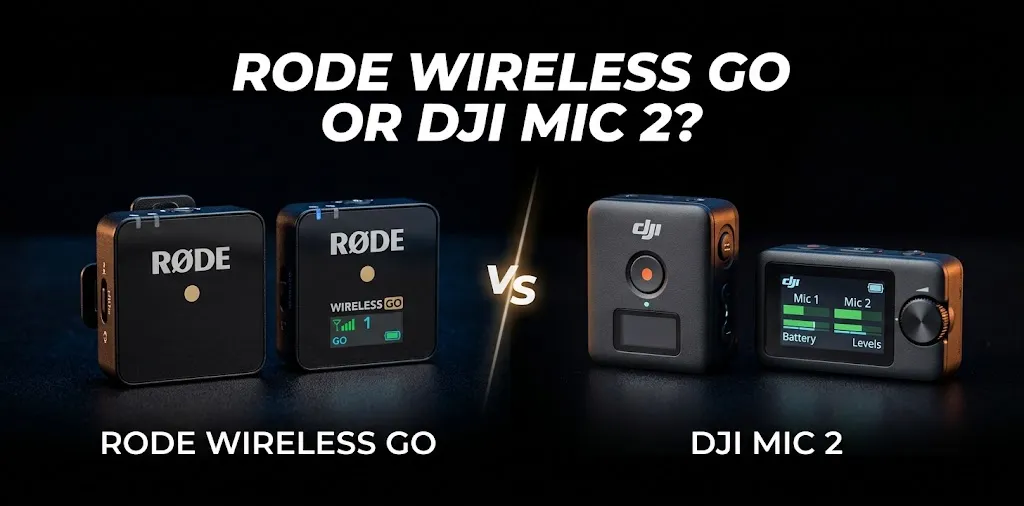
The right value depends on the exact kit, because one-transmitter and two-transmitter packages can have different prices and included accessories.
A previously listed US retail comparison priced the two-person RØDE Wireless GO Gen 3 kit at $169.99 and the two-person DJI Mic 2 kit at $199. Prices can change with promotions, stock, and bundle contents.
The price difference may be worth paying for the DJI Mic 2 if you regularly film in noisy places and want its touchscreen controls. The RØDE can be a better buy if you find a lower-priced kit and prefer its level-management features.
Before ordering, check whether the package includes the receiver, one or two transmitters, the correct phone adapter, windscreens, cables, and a charging case. A cheaper package may not include everything you need.
Which One Should You Choose?
Choose the DJI Mic 2 if you:
- Frequently record travel or street vlogs.
- Want built-in intelligent noise cancellation.
- Prefer a touchscreen receiver with a control dial.
- Want 32-bit float backup recording.
- Need a kit with two transmitters and a charging case.
Choose the RØDE Wireless GO Gen 3 if you:
- Record tutorials, reviews, interviews, and talking-head videos.
- Want GainAssist to help manage audio levels.
- Value its slightly longer listed maximum range.
- Want 32-bit float internal recording.
- Prefer its recording connections and available warranty.
For most new YouTubers, either microphone can deliver the audio quality needed for polished videos. Your recording habits and preferred controls should guide the choice more than small differences in specifications.
Frequently Asked Questions
Here are some common questions about the RØDE Wireless GO and DJI Mic 2 to help you choose the right wireless microphone for your YouTube vlogging setup.
Is DJI Mic 2 better than RØDE Wireless GO for beginners?
The DJI Mic 2 is a good fit for beginners who want touchscreen controls and built-in noise cancellation. The RØDE Wireless GO Gen 3 is also beginner-friendly, especially for creators who want GainAssist and backup recording.
Can I use either microphone with an iPhone?
Yes, both can work with compatible iPhones, but the connection method depends on your phone model, adapters, and recording app. Check compatibility before buying, especially if you plan to connect directly over Bluetooth rather than using a receiver.
Which microphone is better for outdoor YouTube vlogging?
The DJI Mic 2 is a strong option for noisy locations because of its intelligent noise cancellation. The RØDE Wireless GO Gen 3 is also suitable for outdoor filming, but with either system, use a windscreen and test your audio before recording a full video.
Final Verdict
For YouTube vlogging, the DJI Mic 2 is my overall pick if you often record outdoors or in busy places, thanks to its noise cancellation and convenient receiver controls. The RØDE Wireless GO Gen 3 is a close alternative for creators who value GainAssist, internal backup recording, and its particular connection options.
Expert tip: Before publishing your first video with either system, record a 30-second sample in the actual location where you plan to film. Listen for wind, clothing noise, echo, and clipped speech. Then choose the microphone that gives you the cleanest, most usable voice recording in your real filming conditions.