Elgato Stream Deck or Razer Controller? For Mac ?

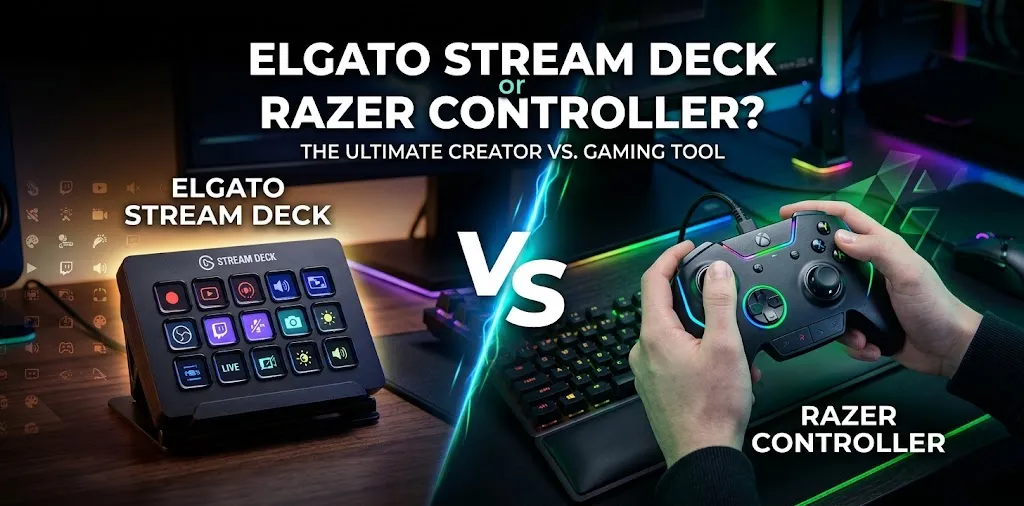
Choosing between an Elgato Stream Deck and a Razer controller for Mac depends on what you want to do. These devices serve different purposes, even though both can improve your desktop setup. An Elgato Stream Deck is designed to control apps and automate tasks with customizable buttons, while a Razer controller is mainly built for gaming. The right choice depends on your workflow, favorite games, and software compatibility.
What Is the Difference Between an Elgato Stream Deck and a Razer Controller?
The biggest difference is how you interact with your Mac. An Elgato Stream Deck gives you programmable buttons for software commands, shortcuts, and workflow automation. A Razer gaming controller provides physical controls such as thumbsticks, triggers, and action buttons for compatible games.
| Feature | Elgato Stream Deck | Razer Gaming Controller |
|---|---|---|
| Main purpose | App control and productivity | Gaming |
| Physical controls | Customizable LCD keys; some models include dials | Thumbsticks, triggers, directional pad, and action buttons |
| Streaming | Useful for scenes, audio controls, and shortcuts | Useful for playing games |
| Everyday Mac work | Can automate supported tasks | Limited to functions supported by macOS and apps |
| Software | Stream Deck app for macOS | Depends on the controller model |
| Mac compatibility | Depends on model and macOS version | Depends on the controller, connection, and game |
| Available |  | |
Elgato provides dedicated Stream Deck software for Mac, while Apple supports connecting compatible game controllers to macOS. However, neither option guarantees that every feature will work with every application or game.
Why Elgato Stream Deck Is Better for Mac Productivity
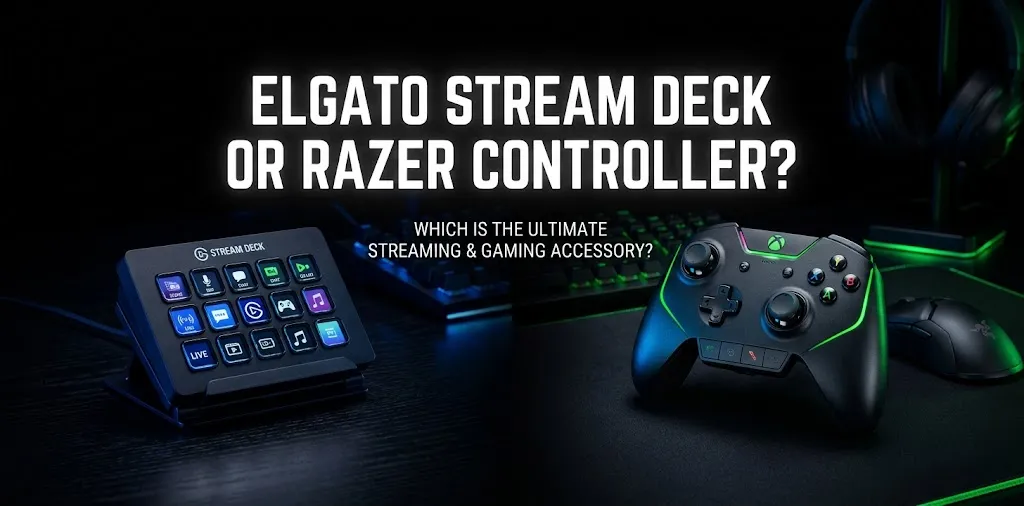
If you spend most of your day working on a Mac, the Elgato Stream Deck can make repeated tasks easier. Instead of remembering keyboard shortcuts or opening several menus, you can assign common actions to individual buttons.
One-touch control for everyday apps
You can configure Stream Deck buttons to perform supported actions, such as:
- Launching applications and opening frequently used files.
- Triggering keyboard shortcuts in compatible software.
- Controlling supported streaming and audio tools.
- Switching between saved button layouts for different tasks.
- Running multiple actions from a single button.
For example, a video editor could create buttons for common editing shortcuts, while a remote worker could use a dedicated layout for meetings, microphone controls, and frequently used apps.
Useful for streaming and content creation
Stream Deck is particularly helpful for creators who use streaming tools such as OBS Studio. With compatible integrations, you can switch scenes, mute audio sources, and trigger other production commands without searching through windows.
It can also help with presentations, podcast production, and other repeatable workflows. The available controls depend on the software, plugins, and actions you configure.
Mac compatibility is straightforward
Elgato provides a dedicated Stream Deck application for macOS. System requirements vary by model and software release, so check the specifications for your chosen device before buying.
When a Razer Controller Makes More Sense on Mac
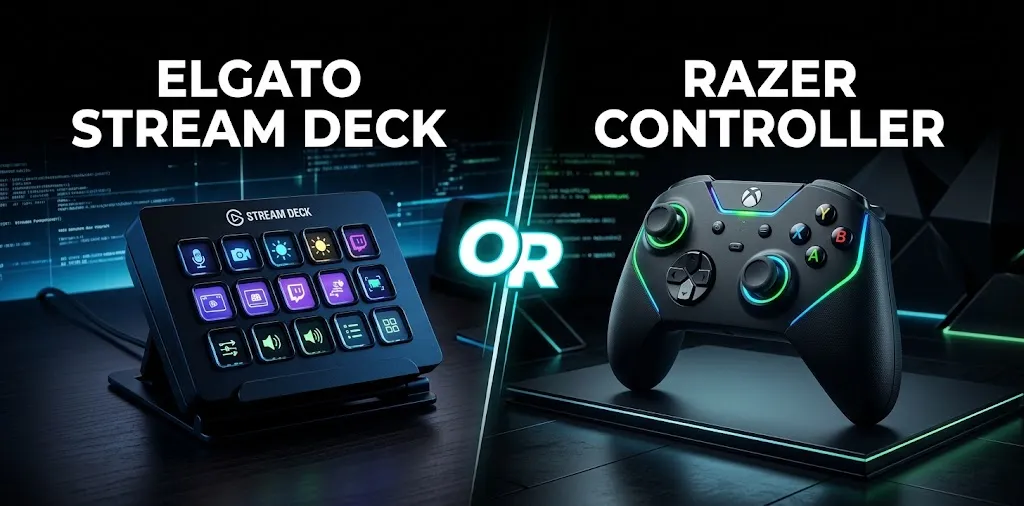
A Razer controller is the better choice if your main goal is playing games rather than controlling desktop applications.
Better suited to compatible games
A traditional game controller provides thumbsticks, triggers, and action buttons designed for movement, aiming, driving, and other in-game actions.
For example, if you play a racing game on your Mac that supports game controllers, analog triggers and thumbsticks may offer a more natural experience than a keyboard.
Check the exact Razer model before buying
Mac compatibility is the main consideration. Some controllers may connect but have limited functionality, and support for one Razer model does not guarantee support for another.
Before purchasing, confirm these details:
- Connection: Does the controller support Bluetooth or a wired connection compatible with your Mac?
- Game support: Does the game recognize that particular controller?
- Button customization: Can you configure the controls you need in macOS or through supported software?
- Extra features: Are remapping, lighting, and special buttons supported on your setup?
A controller may connect successfully without supporting every extra feature. Confirm compatibility with both your Mac and your intended games.
Razer Synapse support is not universal
Razer offers Synapse for Mac on supported systems, but the software works with specific devices. Do not assume that every Razer gaming controller can be fully configured through it.
If custom button mapping is important to you, verify that your exact controller model supports the features you want on macOS.
Which One Is Better for Different Mac Users?
| Your main goal | Better choice | Reason |
|---|---|---|
| Automating repetitive tasks | Elgato Stream Deck | Programmable shortcuts and actions |
| Managing livestreams | Elgato Stream Deck | Convenient production controls |
| Editing video or audio | Elgato Stream Deck | Quick access to supported commands |
| Playing controller-supported games | Compatible Razer controller | Physical gaming controls |
| Using analog triggers and thumbsticks | Razer controller | Designed for game input |
| Improving desktop productivity | Elgato Stream Deck | Custom layouts for everyday workflows |
| Customizing game controls | Razer controller, if supported | Depends on the model and game |
Neither device replaces the other. They solve different problems, so choosing the right one matters more than comparing their button counts.
What About Price and Value?
The total cost depends on the model you choose. Stream Deck devices come in different sizes and layouts, while Razer sells controllers with different connection types and gaming features.
Consider the value each device provides for your setup:
- Choose Stream Deck if you will use its buttons regularly to save time across multiple apps.
- Choose a Razer controller if you frequently play games that benefit from physical gamepad controls.
- Consider both if you stream games and also want a dedicated controller for gameplay.
You can also try a virtual Stream Deck option on your phone before purchasing a physical unit. This lets you explore shortcuts and supported integrations before committing to additional hardware.
Frequently Asked Questions
Here are some common questions about the Elgato Stream Deck and Razer controllers for Mac. Find out which device works best with macOS, whether Razer controllers are compatible with Mac games, and which option offers the right features for your setup.
Can you use an Elgato Stream Deck with a MacBook?
Yes. Elgato offers macOS software for Stream Deck devices. Check your Mac’s macOS version, the device’s connection requirements, and the current software requirements before purchasing.
Do Razer controllers work with Mac?
Some Razer controllers may work with a Mac, but compatibility depends on the exact model, connection method, and game. Verify that the controller supports your intended setup rather than relying on the Razer brand name alone.
Can an Elgato Stream Deck replace a gaming controller?
No. A Stream Deck is designed primarily for shortcuts, app commands, and workflow control, while a gaming controller provides movement and gameplay inputs. You can use both together if your setup benefits from streaming controls and a dedicated gamepad.
Final Verdict
For most Mac users looking to improve productivity, manage streaming software, or simplify repetitive tasks, the Elgato Stream Deck is the better choice. A Razer controller is the better option when playing compatible games is your main priority.