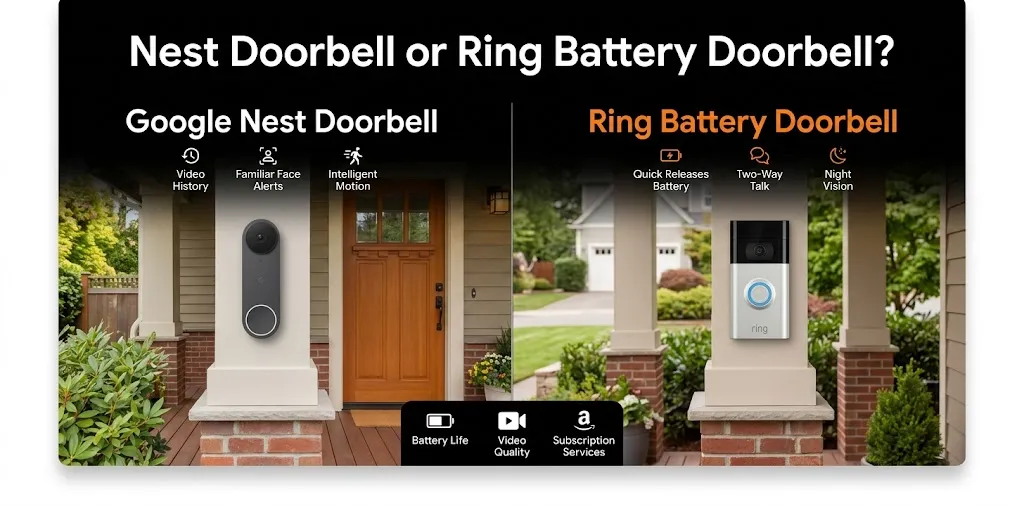
Nest Doorbell or Ring Battery Doorbell? For iPhone?

If you use an iPhone, both Google Nest Doorbell and Ring Battery Doorbell let you see visitors, receive motion alerts, and check your front door remotely. The main difference is how each brand handles notifications, video history, and smart home integration. Ring is a strong choice for a dedicated security setup, while Nest is worth considering if you already use Google Home.
How Nest and Ring Work With an iPhone
Both doorbells let you use your iPhone to check live video, receive alerts, and communicate with someone at your door. You do not need an Android phone to use either product.
The main difference is the app and smart home system behind each doorbell.
Google Nest Doorbell with iPhone
The Google Nest Doorbell (battery) works through the Google Home app on your iPhone. You can view live footage, receive motion notifications, check detected activity, and talk to visitors through the app.
Its main strengths include:
- Useful activity alerts: Depending on the model and settings, alerts can distinguish people, packages, animals, and other activity.
- Google Home integration: A good fit if your home already uses Google Nest cameras, speakers, or displays.
- Battery-powered installation: You can install it without connecting it to existing doorbell wiring.
- Video history options: The battery model includes limited event history without a subscription. Longer recording history requires an eligible Google Home Premium plan.
The biggest drawback for an iPhone household is that Nest does not offer native Apple HomeKit integration. You can still use the Google Home app, but you should not expect the same direct integration as a HomeKit-compatible accessory.
Ring Battery Doorbell with iPhone
The Ring Battery Doorbell uses the Ring app, which lets you view your front door, receive motion alerts, answer doorbell presses, and speak to visitors from your iPhone.
Its main strengths include:
- Straightforward phone alerts: Receive notifications when the doorbell detects motion or someone presses the button.
- Flexible security features: Compatible models and plans offer features such as person or package alerts, quick replies, and saved video recordings.
- Multiple device options: Ring sells several battery-powered doorbells at different price points and with different video features.
- Centralized device controls: Manage compatible Ring devices and security settings in the Ring app.
The main limitation is that saved video and some advanced detection features require a compatible Ring subscription. Without one, you can still use live video and answer alerts, but you generally cannot save doorbell recordings for later viewing.
Nest vs. Ring: iPhone Feature Comparison
| Feature | Google Nest Doorbell (battery) | Ring Battery Doorbell |
|---|---|---|
| iPhone app | Google Home | Ring |
| Live video | Yes | Yes |
| Motion notifications | Yes | Yes |
| Two-way audio | Yes | Yes |
| Battery-powered installation | Yes | Yes |
| Native Apple HomeKit support | No | No |
| Saved video without a subscription | Limited event history | Generally unavailable |
| Extended video history | Eligible Google Home Premium plan | Eligible Ring subscription |
| Best ecosystem fit | Google Home | Ring security devices |
| Available |  | |
Feature availability varies by model, app version, subscription, and region. This comparison focuses on battery-powered models, not every wired or premium version.
One important distinction: working with an iPhone is not the same as supporting Apple HomeKit. Both products can send notifications to your iPhone, but neither should be chosen on the assumption that it will appear as a native HomeKit doorbell.
Which Doorbell Is Better for Different iPhone Users?
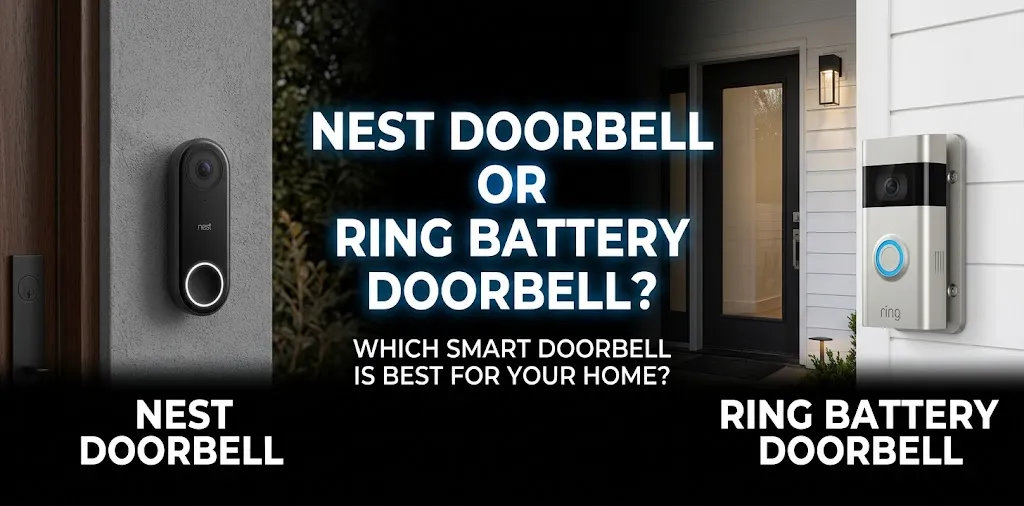
The right choice depends on how you use your iPhone and what you want from a doorbell camera.
Choose Ring if You Want Simple Security Alerts
Imagine you live in an apartment or house and often receive deliveries while you’re away. A Ring Battery Doorbell can notify you about activity at the entrance, and compatible models offer package alerts and saved recordings with a subscription.
Ring is especially appealing if you plan to add more Ring cameras or other compatible security devices later.
Choose Nest if You Already Use Google Home
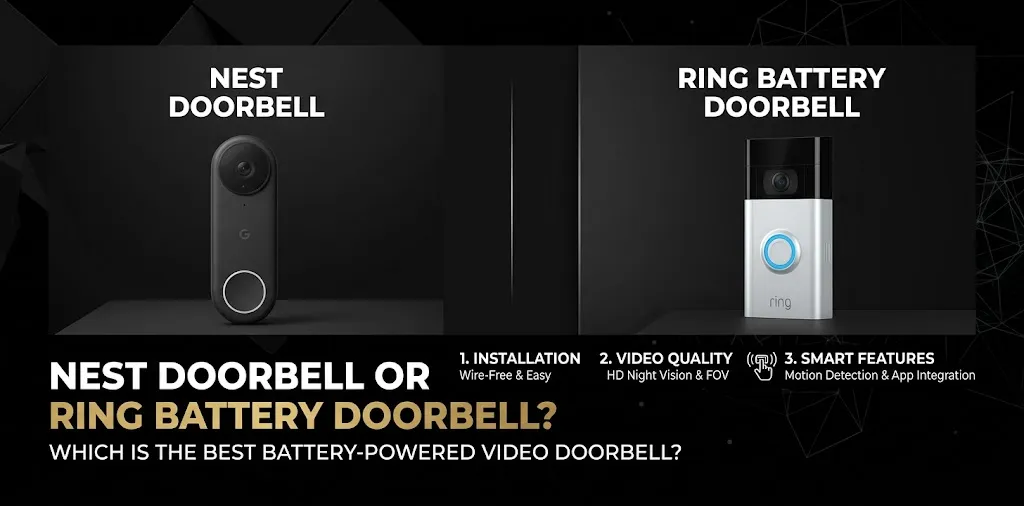
Suppose you have Google Nest cameras or Google smart speakers throughout your home. A Nest Doorbell can fit naturally into that setup, allowing you to manage compatible devices from the Google Home app on your iPhone.
Keep in mind that the battery-powered Nest Doorbell does not provide continuous 24/7 video history, even when connected to doorbell wiring. It records events rather than maintaining continuous recordings.
Consider Your Notification Preferences
Both apps can send alerts to an iPhone, but your experience depends on notification permissions, network quality, motion settings, and the device itself.
Before buying, check that notifications are enabled in iOS settings and in the doorbell’s app. If you need to review an incident later, confirm how much recorded video is included without a subscription.
What About Cost and Video Subscriptions?
The purchase price is only part of the cost. You should also consider whether you need recorded footage, advanced alerts, or a longer event history.
| Cost consideration | Nest Doorbell | Ring Battery Doorbell |
|---|---|---|
| Initial purchase | Depends on model and retailer | Depends on model and retailer |
| Basic live viewing | Available | Available |
| Video history | Limited history without a plan on the battery model | Saved recordings generally require a plan |
| Advanced alerts | Features vary by model and plan | Features vary by model and plan |
| Ongoing subscription | Google Home Premium, if needed | Ring subscription, if needed |
Subscription prices and included features can change, so check the current plan details before purchasing.
If you only want to see who is at the door, you may not need a paid plan. If you want to save footage and review it several days later, compare the recording limits and subscription costs carefully.
Frequently Asked Questions
Here are some common questions about using Google Nest Doorbell and Ring Battery Doorbell with an iPhone. Find out which doorbell works best with your iPhone, how notifications and video recording work, and which option fits your smart home setup.
Does Nest Doorbell Work With an iPhone Without an Apple HomePod?
Yes. You can use a compatible Nest Doorbell with the Google Home app on your iPhone without owning a HomePod. A HomePod is not required for live viewing, notifications, or two-way communication.
Can Ring Battery Doorbell Send Notifications to an iPhone?
Yes. The Ring app can send motion alerts and doorbell notifications to your iPhone when the appropriate permissions and settings are enabled. Some advanced alert features depend on the model and subscription.
Which Is Better for iPhone, Nest or Ring?
Ring is a strong choice if you want a dedicated security app and may add more Ring devices. Nest is a better fit if your home already uses Google Home. Neither offers native Apple HomeKit integration, so choose based on your preferred app, recording needs, and existing smart home equipment.
Final Verdict
For most iPhone users choosing between these two battery-powered doorbells, Ring is a practical starting point for a dedicated home security setup, while Nest makes more sense if you’re already invested in Google’s smart home ecosystem.
One expert tip: Before buying, decide whether you need to save recordings or simply view visitors live. Then check the current subscription requirements and confirm that the exact model meets your needs.