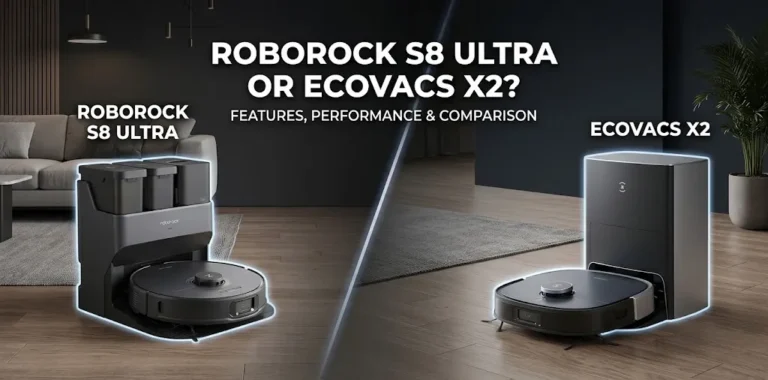
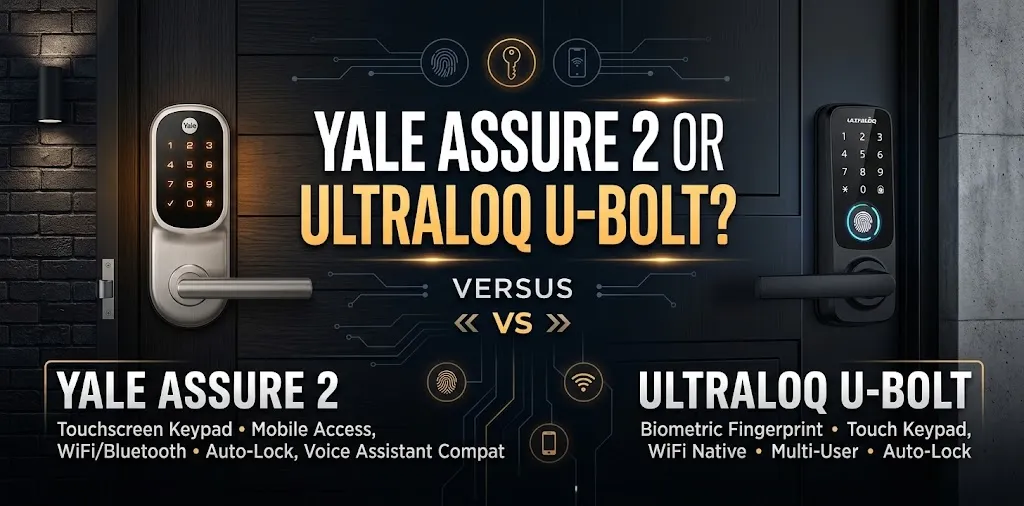
Yale Assure 2 or Ultraloq U-Bolt? For HomeKit?

If you want a smart lock that works with Apple HomeKit, the biggest difference between the Yale Assure 2 and Ultraloq U-Bolt is how each model connects to your smart home and which features you need for daily use. Before choosing, check the exact model, connectivity options, and Apple Home compatibility rather than relying on the product family name alone.
HomeKit compatibility: Yale Assure 2 wins
The Yale Assure Lock 2 family supports Apple HomeKit on compatible models, while the standard ULTRALOQ U-Bolt and U-Bolt Pro models do not offer native HomeKit integration. ULTRALOQ does offer HomeKit-compatible models in its Bolt range. If Apple Home is your priority, the exact model matters more than the brand.
| Feature | Yale Assure Lock 2 | ULTRALOQ U-Bolt / U-Bolt Pro |
|---|---|---|
| Native Apple HomeKit | Yes, on supported models | No, not on standard models |
| Apple Home app control | Yes, with a compatible model | Not natively on standard models |
| Siri control through Apple Home | Yes, when configured | Not natively on standard models |
| Fingerprint unlocking | Available on select models | Available on U-Bolt Pro |
| Keypad access | Yes | Yes |
| Remote access | Depends on model and setup | Depends on model and connectivity |
| Best fit | Apple Home users | Buyers who prioritize fingerprint and keypad access |
| Available |  | |
Compatibility and features vary by model and generation.
What makes Yale Assure 2 better for Apple Home?
The Yale Assure Lock 2 is the more direct choice if you want to manage your front door through Apple’s Home app and use Siri as part of your smart home routine.
Apple Home app and Siri control
Once you configure HomeKit on a compatible Yale lock, you can add it to Apple Home, check its status, and lock or unlock the door from a supported Apple device. You can also use Siri for supported lock commands.
For remote control and home automations, you may need a compatible home hub, such as a HomePod, HomePod mini, or Apple TV. The exact requirements depend on your lock’s connectivity and configuration.
Choose the right Assure Lock 2 version
Not every feature is available on every Yale model.
- Assure Lock 2: A good starting point for keypad entry and supported Apple Home integration.
- Assure Lock 2 Touch: Adds fingerprint access on supported configurations.
- Assure Lock 2 Plus: Adds Apple Home Key, allowing supported iPhones and Apple Watches to unlock the door with a tap.
Apple HomeKit and Apple Home Key are different features. HomeKit provides smart home control, while Home Key adds tap-to-unlock access through Apple Wallet. Check the exact model number before buying.
Where ULTRALOQ U-Bolt has an advantage
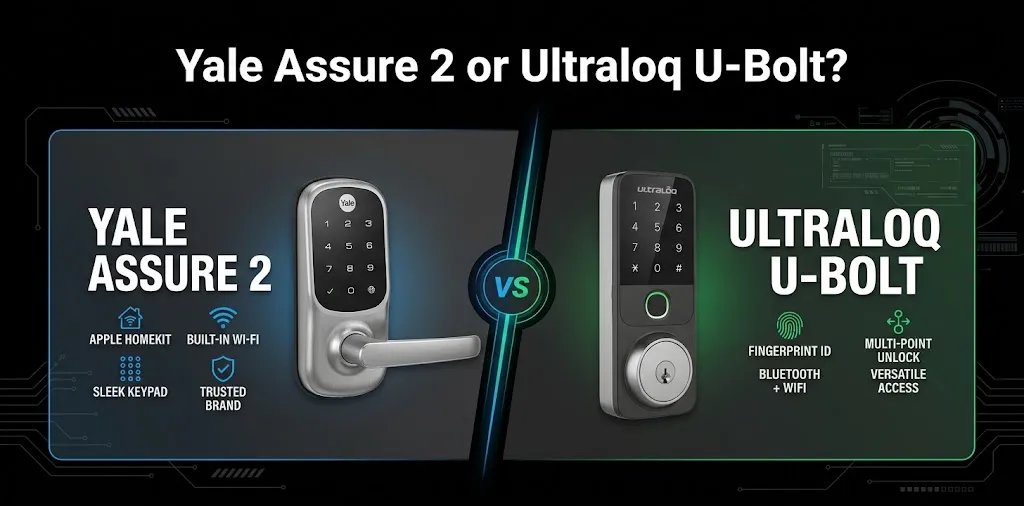
The standard ULTRALOQ U-Bolt Pro is worth considering if you prefer fingerprint entry and keypad access over Apple Home integration. Its fingerprint reader lets you unlock the door without entering a code or taking out your phone.
Fingerprint access and everyday convenience
The U-Bolt Pro includes fingerprint unlocking, while the standard U-Bolt does not. Both offer keypad-based entry, but the Pro is better suited to households that want several ways to get inside.
For example, a family member can use a fingerprint while a guest uses a temporary access code. However, these features do not replace native Apple HomeKit support.
Bridge and connectivity requirements
The standard U-Bolt and U-Bolt Pro require a ULTRALOQ Bridge for their supported Wi-Fi-connected features. The U-Bolt WiFi and U-Bolt Pro WiFi have built-in Wi-Fi, while the Z-Wave versions require a compatible Z-Wave hub.
These connections do not automatically make the locks compatible with Apple Home. If you want to control your lock through the Home app, choose a model that explicitly supports that integration.
What if you want ULTRALOQ and Apple HomeKit?
You do not have to rule out ULTRALOQ entirely. Its Bolt models offer Apple Home compatibility, but they are different products from the U-Bolt range.
Two models worth distinguishing are:
- ULTRALOQ Bolt Fingerprint (HomeKit version): Combines fingerprint entry with Apple Home integration.
- ULTRALOQ Bolt NFC: Supports Apple Home and Apple Home Key, allowing compatible iPhones and Apple Watches to unlock the door with a tap.
The Bolt NFC is especially relevant if you want an alternative to the Yale Assure Lock 2 Plus. Confirm the exact product variant and its connectivity requirements before purchasing.
Which lock should you choose for your home?
Your best choice depends on how you plan to use the lock, not just its fingerprint reader or keypad.
| Your priority | Better choice |
|---|---|
| Native Apple HomeKit support | Yale Assure Lock 2 |
| Siri control and Apple Home automations | Yale Assure Lock 2, in a compatible configuration |
| Fingerprint entry on standard U-Bolt models | ULTRALOQ U-Bolt Pro |
| Tap-to-unlock with iPhone or Apple Watch | Yale Assure Lock 2 Plus or ULTRALOQ Bolt NFC |
| A smart lock without native Apple HomeKit | ULTRALOQ U-Bolt or U-Bolt Pro may fit |
| Apple Home integration with ULTRALOQ | A compatible Bolt model |
Scenario 1: You already use Apple Home
Imagine you have a HomePod mini, control your lights through Apple Home, and want to check your front door from the same app. The Yale Assure Lock 2 is the more straightforward choice because compatible models support HomeKit.
Scenario 2: You want fingerprint entry first
Suppose you rarely use Siri and prefer unlocking your door with a fingerprint. The U-Bolt Pro may be a better match if you’re comfortable using its supported app and smart home integrations instead of native Apple HomeKit.
If you want both fingerprint access and Apple Home, consider the ULTRALOQ Bolt Fingerprint HomeKit version instead.
Installation and setup considerations
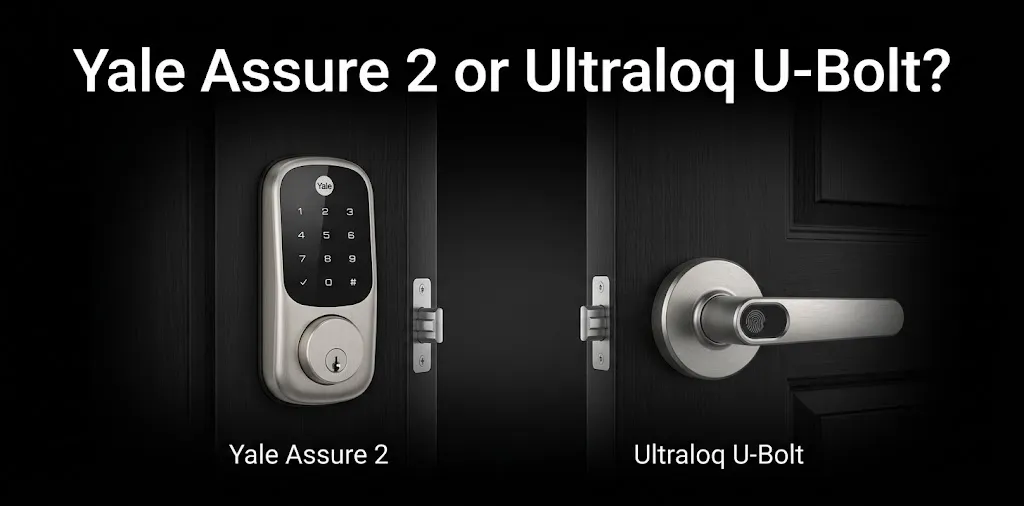
Before ordering either lock, check your existing deadbolt, door thickness, backset, and available space around the door. Also confirm whether your chosen model uses a physical key, keypad, fingerprint reader, or another access method.
For Yale, set up the lock in the Yale Access app first, enable HomeKit, and then add it to Apple’s Home app. Remote access and automations may require a compatible Apple home hub and the right configuration.
For ULTRALOQ, verify HomeKit compatibility before installation. The standard U-Bolt and U-Bolt Pro should not be confused with the HomeKit-compatible Bolt Fingerprint and Bolt NFC models.
Frequently asked questions
Here are some common questions about Yale Assure 2 and ULTRALOQ U-Bolt to help you compare their Apple HomeKit compatibility, smart features, and everyday convenience before choosing the right smart lock for your home.
Does the ULTRALOQ U-Bolt Pro work with Apple HomeKit?
The standard ULTRALOQ U-Bolt Pro does not offer native Apple HomeKit integration. If you want an ULTRALOQ lock that works with Apple Home, consider the specifically compatible Bolt Fingerprint HomeKit version or Bolt NFC.
Is Yale Assure Lock 2 compatible with Apple HomeKit?
Yes, supported Yale Assure Lock 2 models work with Apple HomeKit. Remote access and automations may require a compatible Apple home hub, and Apple Home Key is available only on supported models.
Which is better, Yale Assure 2 or ULTRALOQ U-Bolt Pro?
The Yale Assure Lock 2 is the better choice if Apple HomeKit is your main requirement. The ULTRALOQ U-Bolt Pro is a better fit if fingerprint access matters more than native Apple Home integration.
Final verdict
Winner for Apple HomeKit: Yale Assure Lock 2. It is the more suitable choice for someone who wants to manage a compatible smart lock through Apple Home and Siri. The standard ULTRALOQ U-Bolt Pro remains appealing for fingerprint access, but it does not provide the native HomeKit integration this comparison prioritizes.
Expert tip: If you want fingerprint unlocking and Apple Home in one lock, compare the Yale Assure Lock 2 Touch with the ULTRALOQ Bolt Fingerprint HomeKit version. Before buying, verify the exact model number and whether it supports the specific Apple features you plan to use.