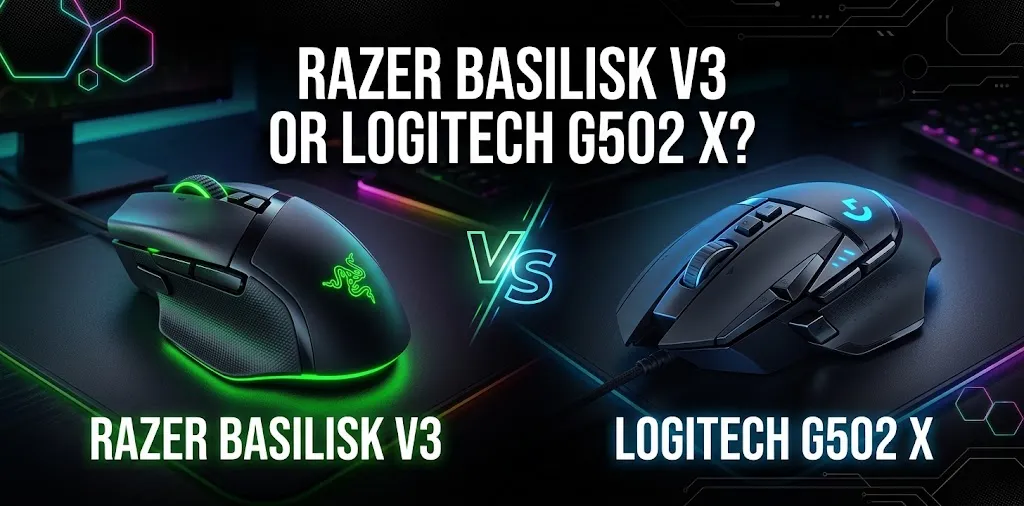
Razer Basilisk V3 or Logitech G502 X? For productivity?

The Razer Basilisk V3 and Logitech G502 X are both feature-rich wired mice that can handle everyday office work, but they suit different productivity needs. The Basilisk V3 stands out for its scroll wheel options, RGB lighting, and customizable controls, while the G502 X offers a lighter design, adjustable scroll modes, and flexible button programming. Your best choice depends on how you work.
Key differences between the two mice
| Feature | Razer Basilisk V3 | Logitech G502 X |
|---|---|---|
| Connection | Wired | Wired |
| Weight | 101 g | 89 g |
| Programmable buttons | 11 | Up to 13 programmable controls |
| Scroll wheel | Free-spin, notched, and tilt scrolling | Free-spin, ratcheted, and tilt scrolling |
| RGB lighting | 11 lighting zones | No RGB on the standard wired model |
| Maximum sensitivity | 26,000 DPI | 25,600 DPI |
| Onboard profiles | Up to 5 | Up to 5 |
| Best productivity advantage | Custom controls and scroll features | Lighter design and flexible controls |
| Available |  | |
Specifications refer to the standard wired versions. Button counts can vary depending on how controls are counted.
Which mouse is better for everyday productivity?
For most people who spend hours working with documents, spreadsheets, browser tabs, and creative applications, the Logitech G502 X is the better starting point. It weighs 89 grams, compared with the Basilisk V3’s 101 grams, and offers several programmable controls. That lighter weight may make frequent cursor movements feel easier, although comfort depends on your hand size, grip, and desk setup.
The Razer Basilisk V3 is still a strong option, particularly if you regularly scroll through long documents or large spreadsheets. Its HyperScroll wheel offers both free-spinning and notched modes, plus left and right tilt inputs. The G502 X offers similar scrolling options, so the final decision comes down to how you prefer the wheel to feel and which shape suits your hand.
Scrolling through documents and spreadsheets
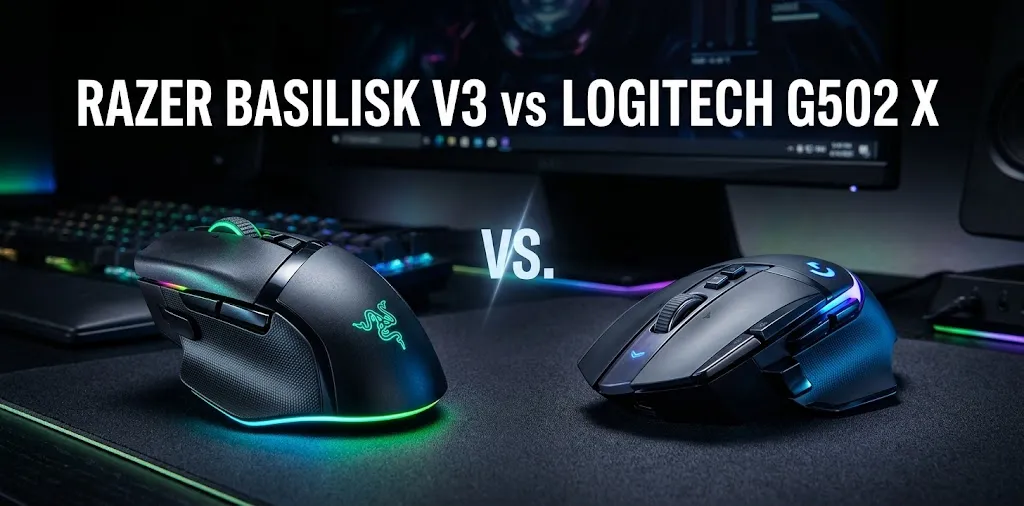
Scrolling is one of the most important features to consider when choosing a productivity mouse.
Razer Basilisk V3
The Basilisk V3’s HyperScroll wheel can switch between precise, notched scrolling and free-spinning scrolling. Free-spin mode is useful when you need to move through long web pages, reports, or spreadsheets without repeatedly turning the wheel.
Its tilt inputs can also be assigned to supported actions, such as horizontal scrolling or switching between applications, depending on your software configuration.
Logitech G502 X
The G502 X also has a dual-mode scroll wheel. You can use ratcheted mode for controlled movement through short documents and free-spin mode for longer pages. The wheel tilts left and right, providing two additional programmable controls.
For spreadsheet users, horizontal scrolling can be especially useful when working with wide tables that extend beyond the screen.
Productivity winner: A close tie. Both mice offer flexible scrolling, and neither has a clear advantage for every workflow. Try the wheel if possible, especially if you switch between precise cell selection and long-page scrolling throughout the day.
Custom buttons and workflow shortcuts
Extra buttons can save time when you assign them to actions you use repeatedly. Both mice offer enough controls to create a useful productivity setup without relying on keyboard shortcuts for every task.
| Task | Suggested mouse shortcut |
|---|---|
| Browser work | Back and forward |
| Document editing | Copy and paste |
| Spreadsheet work | Undo and redo |
| Creative applications | Brush size or tool switching |
| File management | Open a frequently used folder or trigger a supported command |
These are suggested configurations, not guaranteed default functions. You may need to set them up through Razer Synapse or Logitech G HUB, and some actions depend on the application.
The Basilisk V3 has 11 programmable buttons, including its multifunction trigger. The G502 X offers up to 13 programmable controls. Its adjustable DPI-shift button can also be repositioned or replaced with a blank cover to reduce accidental presses.
For example, if you spend your day moving between browser pages, copying information, and updating a spreadsheet, you could assign navigation and editing commands to convenient buttons. If you rarely use extra controls, however, these features may not make a meaningful difference.
Productivity winner: Logitech G502 X for button flexibility. The additional controls give you more options, though the best layout depends on which buttons you can reach comfortably.
Comfort during long work sessions
A mouse can have excellent features and still be a poor choice if its shape does not fit your hand.
The Basilisk V3 weighs 101 grams, while the G502 X weighs 89 grams. That 12-gram difference may matter if you move your mouse frequently throughout a long workday. The G502 X is also designed to reduce weight while keeping the familiar G502 shape.
Neither mouse is a universal fit. Both have right-handed designs, and their shapes may suit some grips better than others.
Consider these practical points before choosing:
- Large hands: Check the mouse dimensions and how your fingers rest on the buttons.
- Small hands: Make sure you can reach the side buttons without stretching your thumb.
- Frequent cursor movement: The lighter G502 X may feel easier to reposition.
- Long periods of desk work: Pay attention to wrist position, desk height, and whether the mouse allows a relaxed grip.
A lighter mouse does not automatically prevent discomfort. If you experience persistent hand or wrist pain, review your workstation setup and consider getting appropriate professional advice.
Software and customization
Both mice rely on manufacturer software for their advanced customization features.
Razer Synapse
The Basilisk V3 uses Razer Synapse to configure button assignments, scroll behavior, lighting, and profiles. Its 11 RGB lighting zones are useful if you want to personalize your desk setup, although lighting does not improve work speed by itself.
Logitech G HUB
The G502 X uses Logitech G HUB to customize its controls and supported profiles. You can build a setup around your main applications and adjust the DPI-shift button to better suit your thumb position.
For either mouse, check software compatibility with your operating system and workplace restrictions before buying. If you use a managed work computer where installing software is blocked, the advanced customization process may be less convenient.
Price and value for productivity
The better value depends on the current selling price, available discounts, and which features you will actually use. Both models are wired mice, so you do not need to factor in battery replacement or charging.
Rather than paying extra for features you may not need, consider what will make your daily work easier:
- Choose the Basilisk V3 if its scroll wheel, lighting, and control layout appeal to you.
- Choose the G502 X if you prefer a lighter mouse and want more programmable controls.
- If both cost about the same, prioritize hand comfort and the wheel you prefer over small differences in maximum DPI.
Maximum DPI is unlikely to decide the outcome for routine office work. Both mice offer far more sensitivity than most people need for documents, spreadsheets, and browsing.
Which mouse should you choose?
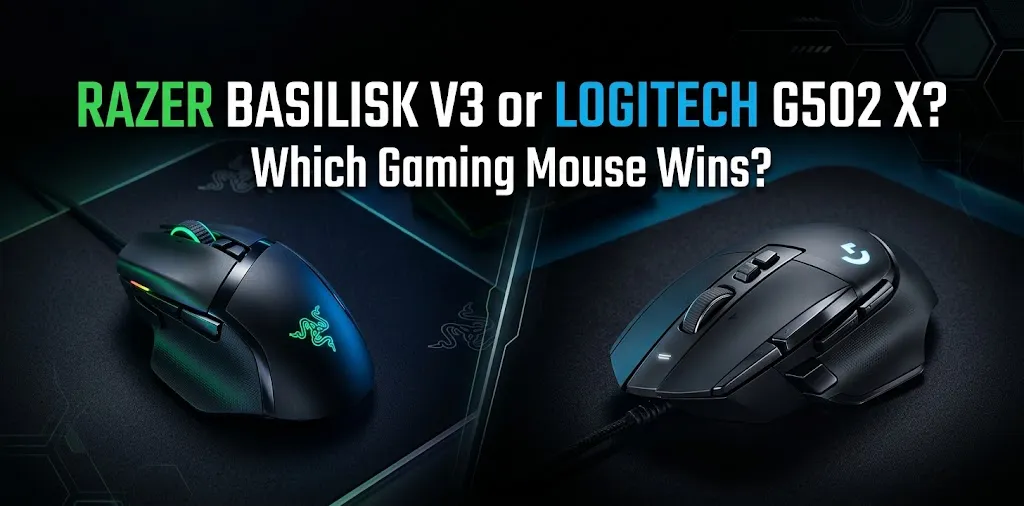
The Logitech G502 X is my recommendation for productivity if you want a lighter wired mouse with extensive programmable controls. Its 89-gram design and flexible button layout make it a practical choice for people who move between several applications throughout the day.
The Razer Basilisk V3 is a good alternative if you prefer its shape, want customizable RGB lighting, or particularly enjoy its HyperScroll wheel. Neither mouse is automatically more comfortable for everyone, and both can support a productive workflow when configured well.
One practical tip: before customizing every button, assign just two or three shortcuts you use daily. Work with them for a few days, then add more only when they save you a real step.
Frequently asked questions
Still deciding between the Razer Basilisk V3 and Logitech G502 X for productivity? These frequently asked questions cover their everyday performance, spreadsheet use, and customization features to help you choose the right mouse for your workflow.
Is the Razer Basilisk V3 or Logitech G502 X better for office work?
The Logitech G502 X is the stronger starting point for office work because it is lighter and offers a flexible set of programmable controls. The Basilisk V3 may be preferable if you like its scroll wheel and lighting options.
Which mouse is better for Excel and large spreadsheets?
Both are suitable for Excel because both offer free-spinning scroll wheels and tilt inputs. The best choice depends on how you configure horizontal scrolling, which shortcuts you use, and which wheel feels more controlled to you.
Can I use the Razer Basilisk V3 and Logitech G502 X without gaming?
Yes. Both mice work for everyday tasks such as browsing, writing, spreadsheets, and editing. Their gaming-focused features are optional, and you can use their extra buttons for productivity shortcuts instead.
Conclusion
The Logitech G502 X is the better choice for productivity if you want a lightweight mouse with flexible programmable buttons for everyday office tasks. The Razer Basilisk V3 is a great alternative if you prefer its scroll wheel features and customizable RGB lighting. Before making your final decision, consider your hand comfort, daily workflow, and preferred button layout.