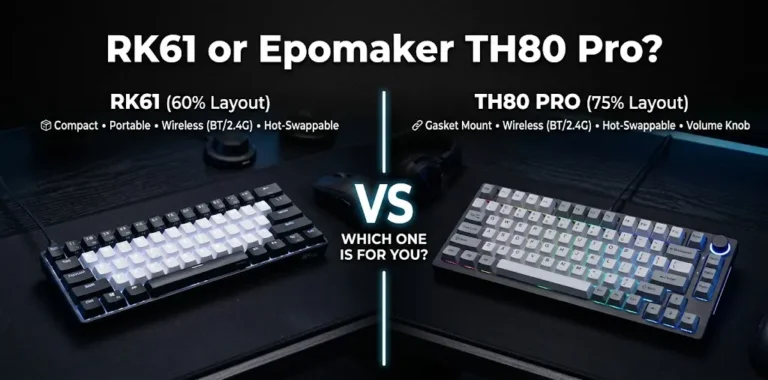

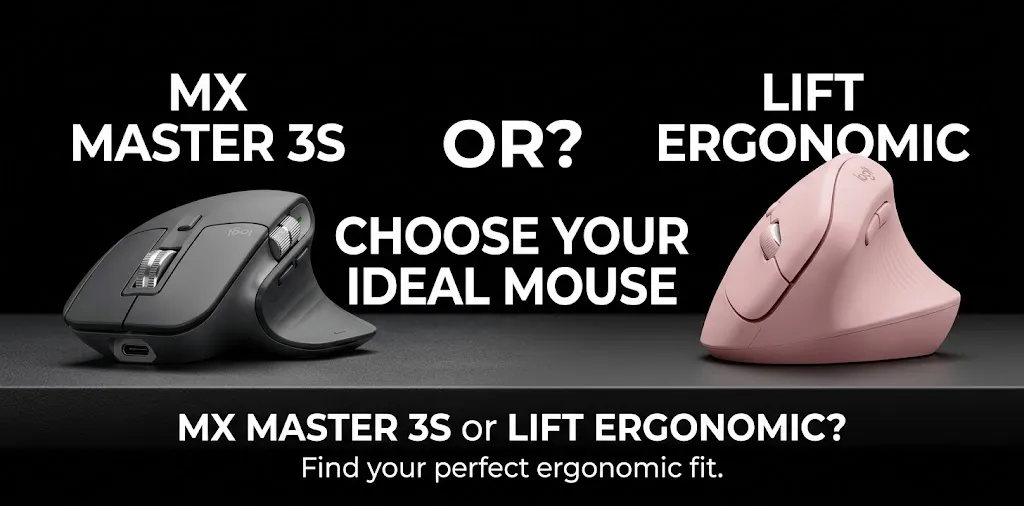
MX Master 3S or Lift Ergonomic? For wrist pain

If wrist discomfort is your main concern, the Logitech Lift Ergonomic is often the better starting point because its vertical design keeps your hand in a more natural, handshake-like position. The Logitech MX Master 3S is better suited to people who want advanced controls, a comfortable palm grip, and productivity features. However, neither mouse can guarantee pain relief, and the right choice depends on your hand size, grip, and work habits.
How the MX Master 3S and Lift Differ for Wrist Comfort
The biggest difference is how each mouse positions your hand. The Lift is designed to reduce the need to hold your forearm in a palm-down position, while the MX Master 3S uses a traditional mouse shape with a sloped body and a thumb rest.
Comparison at a glance
| Feature | Logitech Lift | Logitech MX Master 3S |
|---|---|---|
| Hand position | Vertical, handshake-like grip | Sloped, palm-down grip |
| Hand comfort approach | Changes forearm rotation | Supports the hand with a sculpted shape |
| Hand size | Designed for small to medium hands | Generally better suited to medium or larger hands |
| Scrolling | Standard scroll wheel | MagSpeed wheel plus a thumb wheel |
| Buttons and shortcuts | Basic customizable controls | More productivity-focused controls |
| Clicking | Quiet clicks | Quiet clicks |
| Best use | Ergonomic comfort | Workflows, editing, spreadsheets, and multitasking |
| Available |  | |
Neither design is automatically better for every person. Your hand size, desk setup, movement habits, and the location of your discomfort can matter as much as the mouse itself. Keeping your wrist straight and the mouse close to the keyboard can help improve your workstation ergonomics.
Why the Lift May Be Better for Wrist Pain
The Lift’s vertical design allows you to hold the mouse with your thumb pointing upward instead of resting your palm fully downward. This changes your forearm position and may feel more comfortable if conventional mice make your wrist or forearm feel strained.
Three factors make the Lift worth considering:
- A more upright grip: Your hand rests in a handshake-like position rather than a fully palm-down position.
- A shape designed for smaller hands: Its size may make it easier to reach the buttons without stretching your fingers.
- An alternative to a traditional mouse: If you notice discomfort while rotating your forearm to use a regular mouse, the Lift offers a different hand position to try.
However, an upright grip does not guarantee pain relief. A vertical mouse can feel unfamiliar at first, and some users may need time to adjust their pointing accuracy and finger movements.
The Lift is designed primarily for right-handed users, with a separate left-handed version available. Check the version before buying.
When the MX Master 3S Makes More Sense

The MX Master 3S is not a vertical mouse, but its sculpted shape supports the hand and provides a thumb rest. If your existing palm grip feels comfortable and your discomfort comes mainly from excessive movement, reaching, or prolonged work without breaks, the MX Master 3S may still be a reasonable option.
Its main advantages are:
- MagSpeed scrolling: Useful for moving through long documents, spreadsheets, and web pages.
- Thumb wheel: Makes horizontal scrolling easier in wide spreadsheets and timelines.
- Customizable controls: Can reduce repeated movements when you assign suitable shortcuts.
- Quiet clicks: Helpful if you work in a shared office or quiet environment.
The trade-off is that the MX Master 3S keeps your hand in a more conventional position. If that specific position seems to trigger your discomfort, its extra features may not outweigh the benefit of trying the Lift first.
For example, someone who spends hours editing video timelines might prefer the MX Master 3S for its scrolling controls, while someone who develops wrist discomfort after prolonged conventional mouse use might prefer to test the Lift.
Which Mouse Should You Choose Based on Your Symptoms?
Your symptoms do not establish a diagnosis, but they can help you identify which ergonomic features are worth testing.
| Your situation | Mouse to consider |
|---|---|
| Conventional mouse use makes your forearm feel strained | Lift |
| You prefer an upright, handshake-like grip | Lift |
| You have smaller hands and struggle to reach buttons on larger mice | Lift |
| You have medium or larger hands and prefer a palm grip | MX Master 3S |
| You frequently scroll through long spreadsheets or editing timelines | MX Master 3S |
| You are unsure which grip feels better | Try both before committing |
The key is to pay attention to how your hand and forearm feel during normal work, not simply which mouse feels comfortable for the first few minutes.
If you have persistent pain, tingling, numbness, swelling, or reduced grip strength, do not rely on a mouse upgrade alone. These symptoms can have several causes and may warrant evaluation by a healthcare professional.
How to Set Up Either Mouse to Reduce Wrist Strain
Buying an ergonomic mouse is only part of the solution. Poor positioning can undermine the benefits of either design.
1. Keep the mouse close to your keyboard
Place it beside your keyboard so you do not have to reach outward repeatedly. Keep your elbow close to your body and your shoulder relaxed.
2. Keep your wrist as straight as possible
Your hand should remain roughly in line with your forearm. Avoid repeatedly bending your wrist upward, downward, or sideways to control the pointer.
3. Adjust pointer speed
Choose a pointer speed that lets you move across the screen without excessive hand or wrist movement. It should still be easy to control precisely.
4. Avoid gripping too tightly
Let your hand rest naturally on the mouse. Excessive gripping can create unnecessary tension in your fingers and forearm.
5. Take regular breaks
Break up long periods of continuous mouse use. Brief breaks and changing tasks can help reduce prolonged repetitive activity.
These changes can help improve your workstation, but they are not a substitute for medical care when pain persists or worsens.
Is the Logitech Lift Worth Choosing Over the MX Master 3S?
If your primary goal is wrist comfort, I would start by testing the Logitech Lift, particularly if you suspect that the palm-down position of a traditional mouse contributes to your discomfort.
Choose the MX Master 3S instead if you strongly prefer a conventional grip, find its shape more comfortable, and value its extra scrolling and productivity controls. The Lift’s vertical shape is a meaningful difference, not proof that it will work better for every painful wrist.
Before buying either model, check the return policy and test the mouse during realistic work sessions if possible. A comfortable fit matters more than the number of buttons or premium features.
Frequently Asked Questions
Choosing between the Logitech MX Master 3S and Lift Ergonomic can be difficult when wrist comfort is your main concern. These frequently asked questions cover the key differences, vertical mouse adjustment, and what to consider before choosing a mouse for long hours of computer work.
Is the Logitech Lift better than the MX Master 3S for carpal tunnel syndrome?
The Lift may be worth trying because its vertical grip changes forearm positioning, but neither mouse is a proven treatment for carpal tunnel syndrome. If you have numbness, tingling, weakness, or ongoing pain, consult a healthcare professional rather than relying on a mouse alone.
Does switching to a vertical mouse take time to get used to?
Yes. The Lift may initially feel less precise or unfamiliar because its shape changes how you hold and move your hand. Give yourself time to adjust, but stop using it if discomfort increases.
Should I buy the MX Master 3S or Lift for eight hours of daily computer work?
For long workdays where conventional mouse use seems to aggravate your wrist, try the Lift first. If you prefer the traditional grip of the MX Master 3S, focus on proper positioning, relaxed movement, and regular breaks, and choose the model that remains comfortable during normal tasks.
Conclusion
For wrist comfort, the Logitech Lift is my first choice to try, while the MX Master 3S is the stronger productivity-focused option. Neither guarantees relief, so prioritize fit and how your wrist feels during use.
One practical tip: before spending money, check whether your current discomfort improves when you keep your wrist straight, move the mouse closer to your keyboard, and reduce prolonged uninterrupted use. If the pain persists, get professional advice to identify the cause.