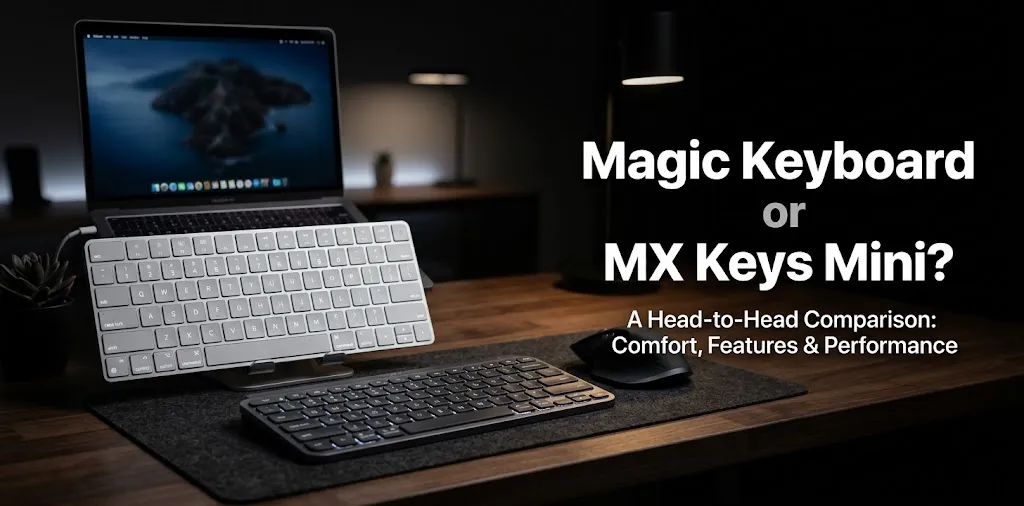
Magic Keyboard or MX Keys Mini? For iPad?

If you want a keyboard for your iPad, the Apple Magic Keyboard and Logitech MX Keys Mini serve different needs. The Magic Keyboard is the better choice if you want a keyboard that works as an iPad case and adds a trackpad to your setup. The MX Keys Mini is better if you prefer a compact, standalone keyboard for typing, especially at a desk.
Magic Keyboard vs. MX Keys Mini at a Glance?
The biggest difference is how each keyboard fits into your daily routine. Apple’s Magic Keyboard turns a compatible iPad into a laptop-style setup, while Logitech’s MX Keys Mini gives you a compact keyboard that works with your iPad and other devices.
| Feature | Magic Keyboard for iPad | Logitech MX Keys Mini |
|---|---|---|
| Design | Keyboard case that attaches to iPad | Standalone wireless keyboard |
| Connection | Magnetic Smart Connector | Bluetooth |
| Trackpad | Built in | Not included |
| iPad protection | Front and back protection | None |
| Backlit keys | Yes | Yes |
| Multi-device switching | Designed for its attached iPad | Up to 3 paired devices |
| Separate keyboard charging | No separate keyboard battery to manage | Rechargeable via USB-C |
| Best use | Portable, laptop-style work | Desk typing and multiple devices |
| Available |  | |
Specifications can vary by Magic Keyboard model, so check the version made for your iPad before buying.
Typing Experience: Which Keyboard Feels Better?
Both keyboards use low-profile keys designed for comfortable everyday typing. Your preference will depend on where you work, how you position your iPad, and whether you prefer an attached or separate keyboard.
Apple Magic Keyboard
The Magic Keyboard keeps your iPad and keyboard together. Its floating design lets you adjust the screen angle, and the built-in trackpad makes it easier to work with documents, spreadsheets, and browser tabs without reaching for the screen.
Its main advantage is convenience. You can open the case and start typing without pairing a separate keyboard. However, the iPad must be a compatible model, and the keyboard case adds weight and cost to your setup.
Logitech MX Keys Mini
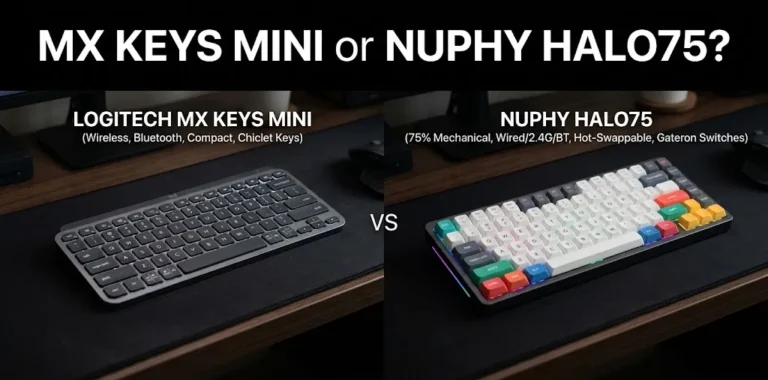
The MX Keys Mini is a better fit for people who prefer a separate keyboard on a desk. Its low-profile keys, compact layout, and adjustable backlighting make it useful for writing, studying, and handling everyday work.
Because it connects over Bluetooth, you can position the keyboard separately from your iPad. You can also pair it with up to three compatible devices and switch between them, which is helpful if you use an iPad, laptop, or phone throughout the day.
The trade-off is that you need a separate stand or case to hold your iPad at a comfortable angle. The MX Keys Mini also has no built-in trackpad.
Portability and Everyday Use
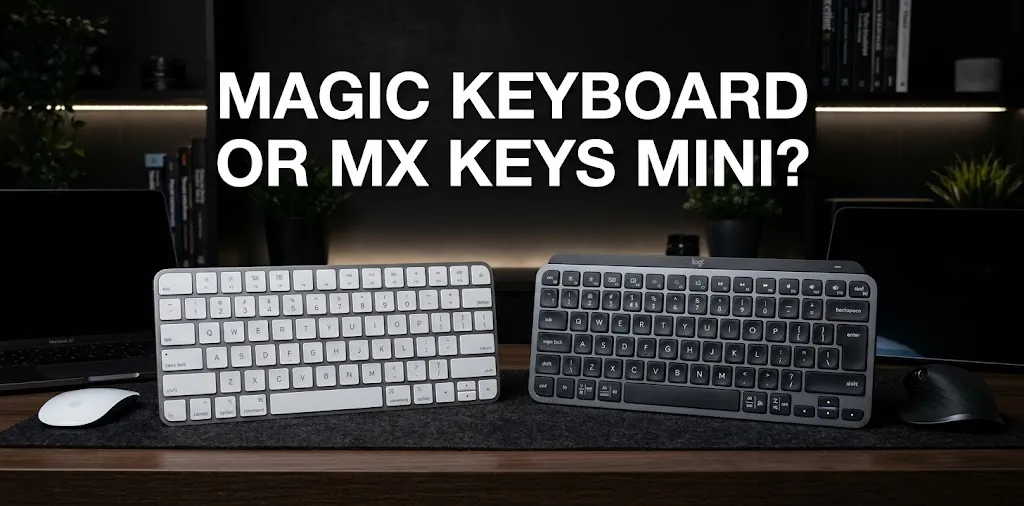
Portability is not just about the size of a keyboard. It also depends on how many accessories you need to carry.
Choose the Magic Keyboard if you travel with your iPad frequently. It combines a keyboard, trackpad, stand, and protective cover in one accessory. That makes it convenient for taking notes in class, writing at a coffee shop, or working during a trip.
Choose the MX Keys Mini if you mostly work at a desk. You can move the keyboard around, keep it separate from your tablet, and use it with other devices. However, you will need an iPad stand or case separately if you want a stable typing setup.
For either option, consider the total weight of your iPad and accessories rather than the keyboard alone.
Price and Value for Money
The Magic Keyboard is generally the more expensive option because it includes more than typing hardware. You are paying for the trackpad, adjustable stand, magnetic attachment, and protective case.
The MX Keys Mini focuses on the keyboard itself. It may offer better value if you already own a tablet stand or want one keyboard for several devices.
Prices change with sales, colors, and product generations. Before purchasing, compare the current price of the exact Magic Keyboard model compatible with your iPad against the MX Keys Mini and any stand you might need.
Which Keyboard Is Better for Your Needs?
The right choice depends on what you want your iPad to do.
| Your situation | Better choice | Why |
|---|---|---|
| Writing papers and taking notes on the go | Magic Keyboard | Keyboard and stand stay attached |
| Typing at a home office desk | MX Keys Mini | Flexible placement and compact design |
| Switching between an iPad and laptop | MX Keys Mini | Supports up to three paired devices |
| Using a trackpad for editing documents | Magic Keyboard | Trackpad is built in |
| Protecting your iPad while traveling | Magic Keyboard | Compatible models provide front and back protection |
| Using a separate monitor or tablet stand | MX Keys Mini | Works well in a desk-based setup |
Example 1: A Student Who Carries an iPad Every Day
Imagine you use an iPad to take class notes, write assignments, and read course materials. The Magic Keyboard is likely the more convenient choice because the keyboard, stand, and cover travel together.
If you already have a good case and mainly type at a desk, the MX Keys Mini could save money while still providing a comfortable typing experience.
Example 2: Someone Who Uses an iPad and a Laptop
Suppose you use an iPad for reading and planning but switch to a laptop for longer work sessions. The MX Keys Mini makes more sense because you can pair it with multiple devices and switch between them.
You would need to keep a separate stand for the iPad, but you would not have to buy a dedicated keyboard case for every device.
Check Compatibility Before Buying
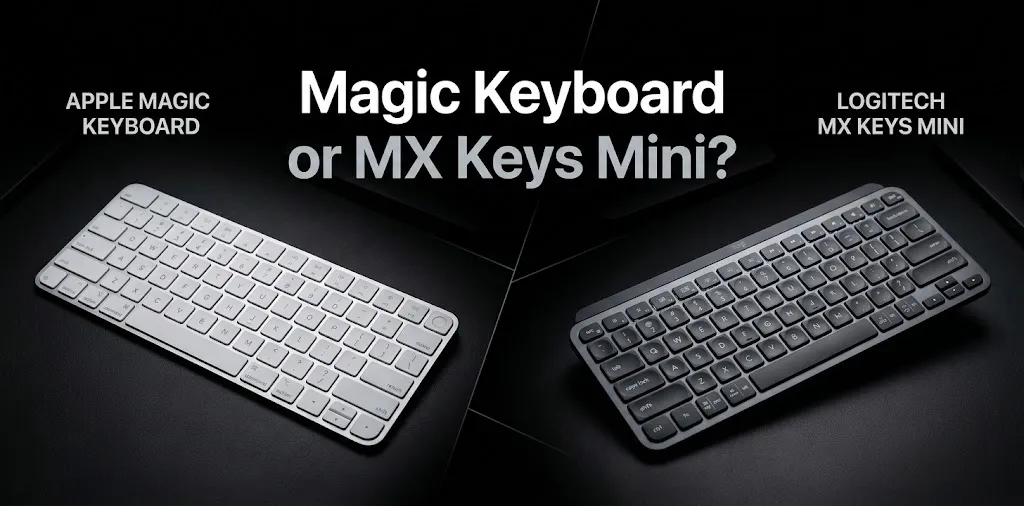
This is the most important step if you are considering Apple’s Magic Keyboard.
Apple sells different keyboard models for different iPads, including versions for iPad Pro, iPad Air, and the standard iPad. They are not all interchangeable. Check your exact iPad model under Settings → General → About → Model Name, then confirm that the keyboard supports it.
The MX Keys Mini is more flexible because it connects through Bluetooth and supports iPadOS. Its basic keyboard functions work without requiring a dedicated iPad keyboard case.
One more thing: do not confuse the Magic Keyboard for iPad with Apple’s standalone Magic Keyboard made for Mac. They are different products with different designs and features.
Frequently Asked Questions
Still deciding between the Apple Magic Keyboard and Logitech MX Keys Mini for your iPad? These frequently asked questions cover compatibility, typing comfort, and value to help you choose the right keyboard for your needs.
Is the MX Keys Mini better than the Magic Keyboard for typing on an iPad?
The MX Keys Mini is a strong choice for desk typing and people who use multiple devices. The Magic Keyboard is more convenient when you want an attached keyboard, trackpad, and protective cover in one accessory.
Can I use the Logitech MX Keys Mini with an iPad without a laptop?
Yes. You can connect the MX Keys Mini directly to a compatible iPad through Bluetooth. You do not need a Mac or Windows computer to use it.
Is the Magic Keyboard worth the extra money for an iPad?
It can be worth the cost if you regularly type on the go and want a built-in trackpad, adjustable screen position, and protective cover. If you mostly type at a desk and already have a stand, the MX Keys Mini may be the better value.
Final Verdict
The Apple Magic Keyboard wins for an all-in-one iPad setup, thanks to its integrated trackpad, protective cover, and convenient magnetic connection. The Logitech MX Keys Mini wins for flexibility and multi-device use, especially if you work at a desk and switch between an iPad and other devices.