Anker PowerCore 24K or Mophie Powerstation? For multi-device?

If you need to charge a phone, tablet, or laptop while away from an outlet, the Anker PowerCore 24K and Mophie Powerstation are worth comparing. The main differences come down to charging power, battery capacity, port options, and portability. For people who need to power several devices, the exact Mophie model matters because the Powerstation name covers multiple products with different features.
Anker PowerCore 24K vs. Mophie Powerstation: Specifications at a Glance
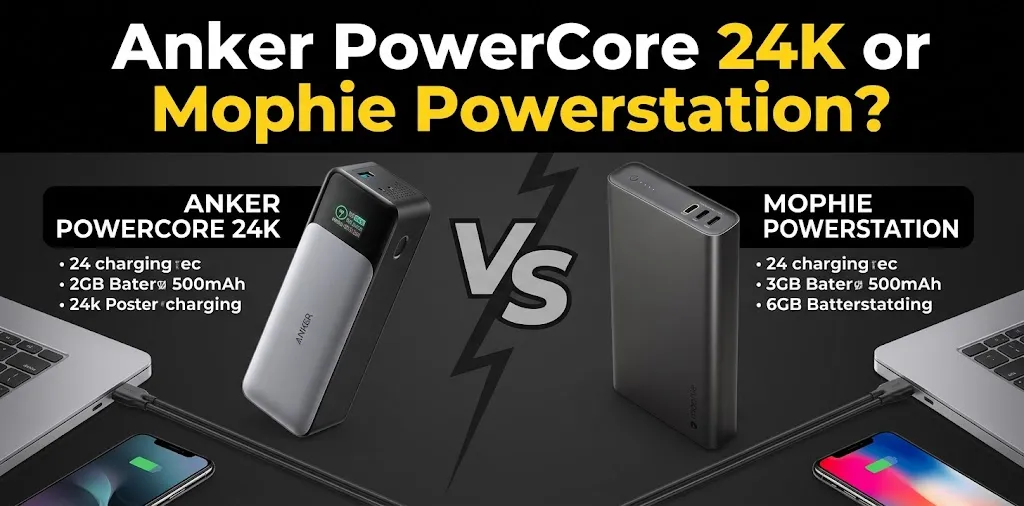
The Anker PowerCore 24K, also known as the Anker 737 Power Bank, is a strong option for people who need both USB-C and USB-A connections. The Mophie Powerstation Ultra 25K is an alternative with three USB-C ports and slightly more battery capacity. Both support up to 140W total output, making them suitable for many phones, tablets, and compatible laptops.
| Feature | Anker PowerCore 24K | Mophie Powerstation Ultra 25K |
|---|---|---|
| Battery capacity | 24,000mAh | 25,000mAh |
| Maximum total output | 140W | 140W |
| Charging ports | 2 USB-C, 1 USB-A | 3 USB-C |
| Laptop charging | Yes, with compatible USB-C laptops | Yes, with compatible USB-C laptops |
| Battery display | Digital display | LED indicator lights |
| Best use | Mixed USB-C and USB-A devices | Multiple USB-C devices |
| Main advantage | Flexible ports and detailed power information | Three USB-C ports and slightly higher capacity |
| Available |  | |
Actual charging speed depends on your device, cable, and the power shared among connected devices.
Which Power Bank Is Better for Charging Multiple Devices?
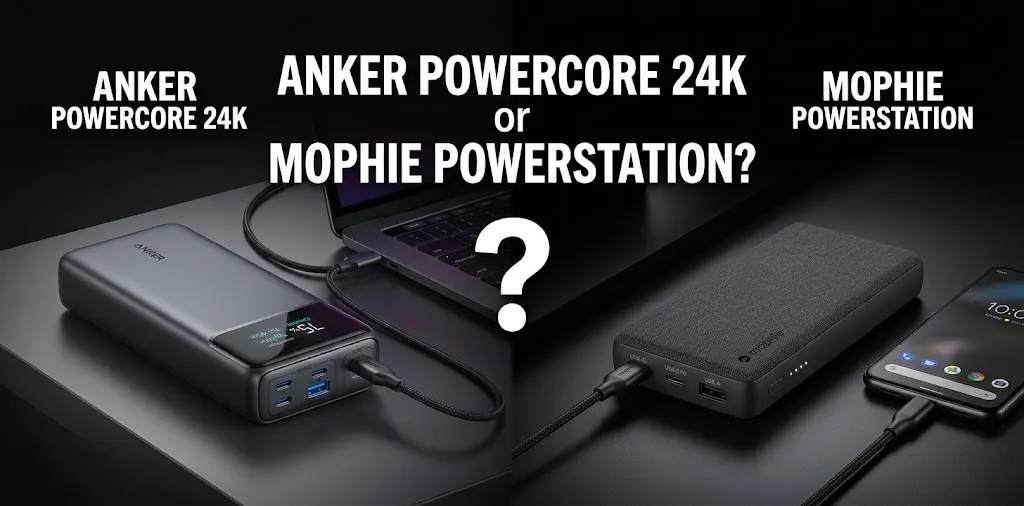
The Anker PowerCore 24K is the better all-around choice for people who carry a mix of newer and older electronics. Its two USB-C ports and one USB-A port let you connect three devices without requiring every cable to use USB-C.
The Mophie Powerstation Ultra 25K makes more sense if all your devices use USB-C. Its three USB-C ports provide a convenient setup for charging a laptop, phone, and wireless earbuds together. However, the 140W rating is the maximum combined output, not 140W for every port at once.
Why Port Selection Matters
Imagine you’re traveling with a USB-C laptop, an Android phone, and older headphones that charge through USB-A. The Anker can connect all three directly, provided you have compatible cables.
Now imagine your laptop, phone, and tablet all charge through USB-C. The Mophie Ultra’s three USB-C ports may be more convenient, although the Anker can also charge multiple USB-C devices simultaneously.
Charging Speed and Battery Capacity
Both power banks have enough capacity for demanding days away from a wall outlet. Anker provides 24,000mAh, while Mophie offers 25,000mAh. The difference is small, so battery capacity alone should not determine your purchase.
Charging speed matters more when you’re powering a laptop. The Anker 737 supports USB Power Delivery 3.1 and up to 140W output. The Mophie Powerstation Ultra 25K also advertises up to 140W charging.
Your laptop must support the relevant charging standard and power level to benefit from the fastest speeds.
Keep in mind that charging several devices divides the available power according to their needs and the power bank’s limits. Connecting more devices does not guarantee that every device will charge at its maximum speed.
Portability and Everyday Convenience
Neither model is especially small compared with basic phone power banks. Both are better suited to backpacks, work bags, and travel luggage than to carrying in a pocket.
The Anker has a digital display that shows charging information, helping you check the remaining battery and monitor power use.
The Mophie Powerstation Ultra 25K uses LED indicators and features an aluminum exterior with soft-touch end caps. Your preference may depend on whether you value detailed battery information or prefer Mophie’s design and all-USB-C layout.
Which One Should You Buy?
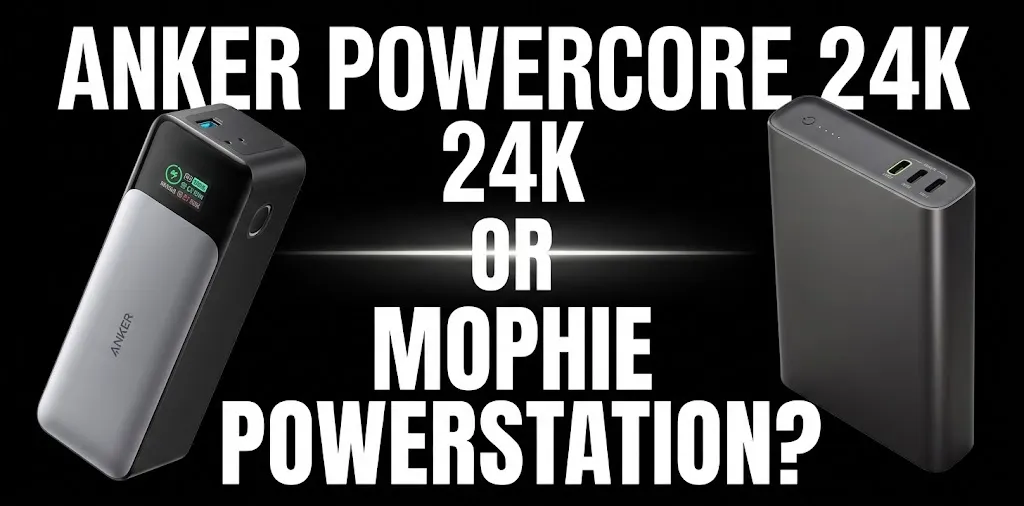
Choose the Anker PowerCore 24K if you want flexible charging for a laptop, phone, and accessories with different cable types. Its digital display and USB-A port are especially useful when your devices do not all share the same connection.
Choose the Mophie Powerstation Ultra 25K if your main priority is charging three USB-C devices and you prefer its design. Check the current price and availability before purchasing, as stock can vary by retailer.
For most people who need one power bank for several kinds of devices, Anker is the more practical overall winner. If your entire setup uses USB-C, Mophie is worth considering instead.
Frequently Asked Questions
Choosing between the Anker PowerCore 24K and Mophie Powerstation can be easier when you understand their key differences. These frequently asked questions cover multi-device charging, laptop compatibility, and battery performance to help you decide which power bank best fits your needs.
Can the Anker PowerCore 24K charge three devices at once?
Yes. It has two USB-C ports and one USB-A port, allowing you to connect three compatible devices simultaneously. Total output is limited to 140W and is shared according to the charging setup.
Is the Mophie Powerstation Ultra 25K better for multiple USB-C devices?
It can be a better fit because it has three USB-C ports and a 25,000mAh battery. However, its total output remains limited to 140W, so charging three devices at once may be slower than charging one device by itself.
Which power bank is better for laptop travel?
Both can charge compatible USB-C laptops, but the Anker is a particularly versatile choice if you also carry USB-A accessories. Check your laptop’s charging requirements before buying, since the maximum output does not guarantee the same charging speed for every laptop.
Conclusion
The Anker PowerCore 24K is the better overall choice for charging multiple devices because it offers flexible USB-C and USB-A ports, a useful digital display, and up to 140W of power. The Mophie Powerstation Ultra 25K is a good alternative if you mainly use USB-C devices and prefer its three-port setup. Before buying, check your devices’ charging requirements and compare current prices to find the best fit for your everyday needs.